GTA 6 night vision goggles: where to get them
You can't buy or keep night vision goggles in GTA 6: they only show up in the Bird in the Hand mission in chapter 5, and you turn them on by holding left on the D-pad. Here's where the mission is, who else wears goggles in the game, and how to record the night scene so it makes a good clip.
GTA 6 night vision goggles: where to get them
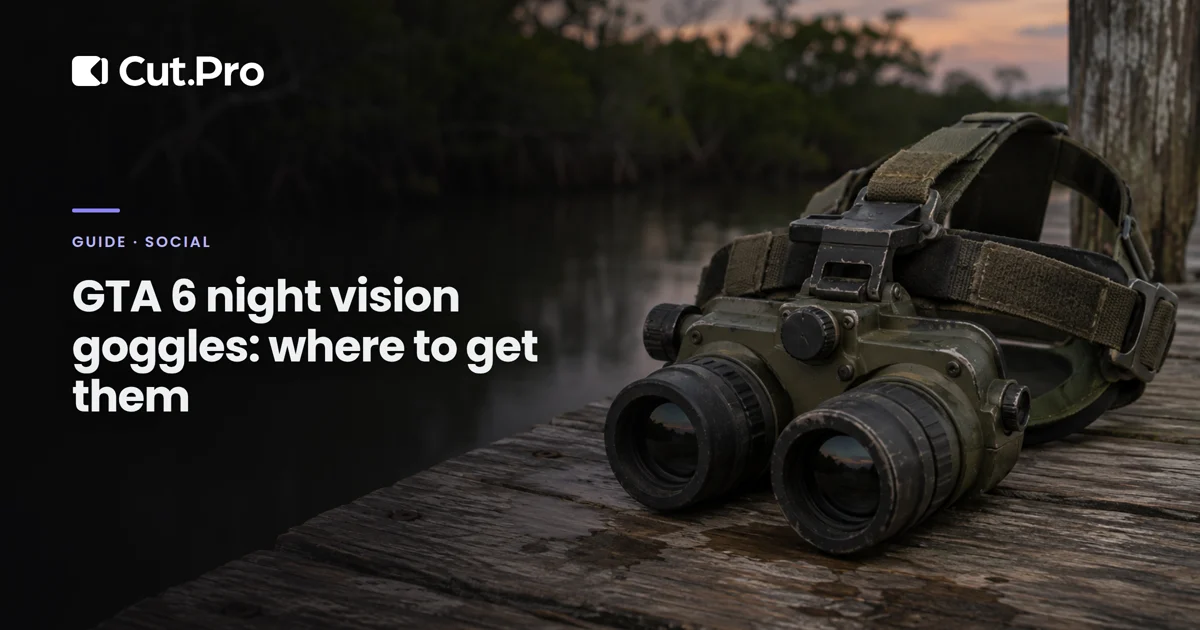
The night vision goggles in GTA 6 can't be bought or kept: they only appear in the Bird in the Hand story mission in chapter 5, and you turn them on by holding left on the D-pad. If you're looking for them at the gun store or scattered around the map like in San Andreas, you won't find them. If you record and clip your games, that has a practical consequence: the night vision scene happens only once in the campaign, so you need to capture it properly the first time.
Can you buy night vision goggles in GTA 6?
No. The Dexerto equipment list, updated on November 26, 2026, has body armor, binoculars, a flashlight, a metal detector, masks and 22 other items, and no night vision goggles. Leonida Hub, checked on November 28, says the same, crediting GamesRadar: the goggles aren't among the game's equipment and there's no pair to equip.
That's a change from earlier games. In GTA Online, the goggles are bought at Ammu-Nation and turned on from the interaction menu. In San Andreas, they sat at fixed spots on the map. In GTA 6, for now, they're a scripted item: the mission gives them to you, and the mission takes them away.
The catch: Rockstar hasn't published an official equipment list, and GTA 6 came out nine days ago. If the goggles show up in a store or in an update, this guide will change.
Which mission has the night vision goggles?
Bird in the Hand, in chapter 5, given by Giorgio Gallo, according to GTABase. GTABase sums the mission up as Jason and Lucia stealing "a new vehicle." In the PowerPyx walkthrough, the vehicle is a helicopter from the Mile Zero air base, and the duo get help from Vinny, Kevin and Liz. The night part is the infiltration of the military base.
The PowerPyx walkthrough, published on November 21, shows where the goggles come in:
- Change clothes at the locker and find Giorgio.
- Fly to the Coast Guard base, look the place over and head to the bridge.
- Find Kevin, get on the boat and go to the military base.
- At the "Follow Vinny" objective, the screen shows the D-pad left icon. Hold it to turn the goggles on, and hold it again to turn them off.
- Open the grate, follow Vinny to the hangar and climb to the roof hatch.
- Open the hangar doors, hold the soldiers at gunpoint, get in the helicopter and defend the escape.
The guides disagree on where the mission falls in the campaign (PowerPyx counts it as the 108th, GTABase as the 101st), but both put it in chapter 5. If you're still near the start, the breakdown of how long it takes to beat GTA 6 helps you predict which stream it will land in.
Who else uses night vision in GTA 6?
The Hyde Island hunter. He wears goggles that glow green in the dark, and that glow is how you can spot him in the brush, as I covered in the guide to the Hyde Island collar hunt. But beating the hunter gets you a rifle, the Island Poacher, not the goggles, according to Leonida Hub.
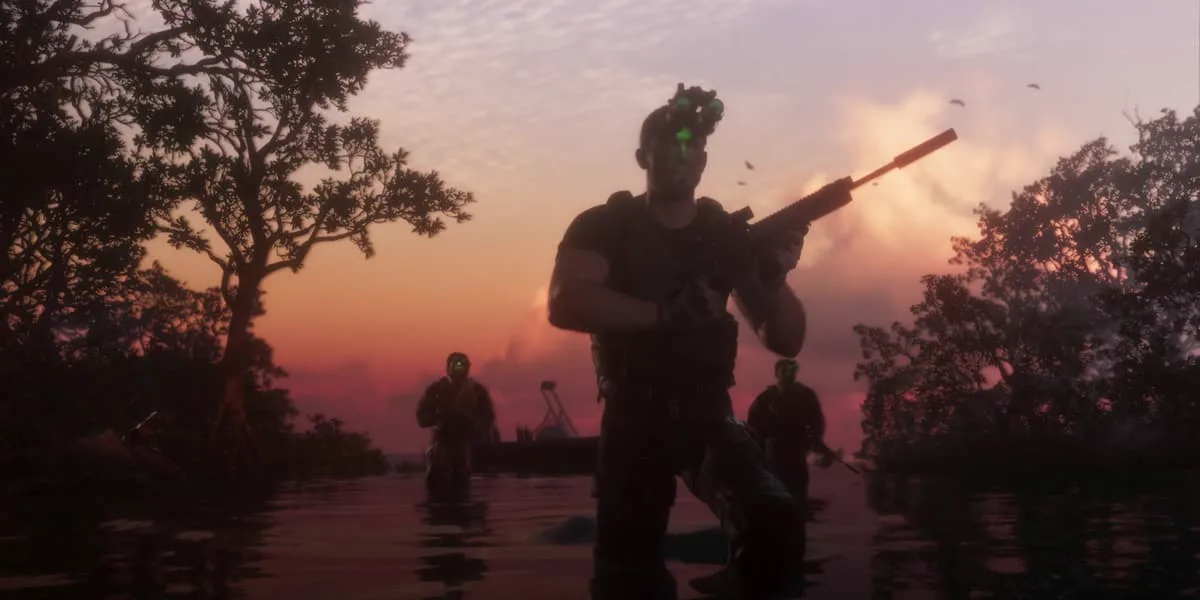
The goggles also show up in the launch trailer, at the 28-second mark, on the man leading two other armed men through a mangrove swamp. Rockstar hasn't said who he is or whether the scene is from a mission.
How do you record the night vision scene so it makes a good clip?
Make a manual save before starting the mission and keep local recording on. GTA 6 doesn't let you replay story missions from the menu, so the save is your only way back if the recording fails. The game has 15 manual save slots, and the guide to saving in GTA 6 shows where they are.
When you play, here's what I'd do:
- Turn the goggles on and off on purpose. The switch from dark to green is the visual moment of the mission, and it works as a hook in the first seconds of the clip.
- Hold still for a few seconds before the grate. The infiltration is slow, and a 30-second clip needs a clear start. Two seconds of clean footage make it easier to find the entry point when editing.
- Don't stop recording in the hangar fight. The part that makes the best clip isn't the night vision, it's the shootout and the helicopter escape right after. The whole sequence, from dark to chaos, is the story the clip tells.
How do you make dark footage readable on a phone?
Brighten it a little and raise the contrast before posting. Night scenes recorded on a console look too dark on a phone screen at low brightness, and the green of night vision tends to blow out when the platform compresses the video.
In Cut.Pro, you can upload your recording, let the AI pick the moments and fine-tune in the editor: Filters has Brightness and Contrast, and if you record with a webcam, the "Webcam and screen" layout puts your camera on top and the game below, as I explained in the guide to the webcam-on-top, gameplay-below clip layout. On a green screen, white captions fade less than yellow ones, and it's worth checking where they sit in the guide to captions for GTA 6 clips.
Does the mission clip have spoilers?
Yes, and it needs a warning. Bird in the Hand is from chapter 5 and shows characters that someone early in the game hasn't met yet. Rockstar asked people to be careful with spoilers, and the safe route is to write "chapter 5 spoiler" in the title and show the action (the infiltration, the shootout, the escape) instead of the dialogue that explains the plot.
Common mistakes
- Looking for the goggles at the gun store. They're not for sale, according to the lists checked on November 28.
- Thinking you can come back later. Without a manual save before the mission, the scene won't come back.
- Posting the dark scene without adjusting it. What looks good on a TV turns into a black screen on a phone.
- Clipping only the green part. Night vision is just one stretch of the mission; the clip that holds people is the one that runs into the shootout.
Where to start
If you're before chapter 5, make a manual save when Giorgio's mission shows up and turn on local recording. Play the infiltration turning the goggles on and off on purpose, keep going through the helicopter escape and, when editing, brighten the footage before posting. If the goggles become a store item in an update, I'll update this guide with the location and price.