GTA 6 podcasts: how to listen and what makes a good clip
GTA VI is the first game in the series with on-demand podcasts, playable in the car and through the earbuds on Jason and Lucia's phone. Here's how to listen, where Anitta's Dr. Nita comes in, and why podcast audio changes the way you clip gameplay.
GTA 6 podcasts: how to listen and what makes a good clip
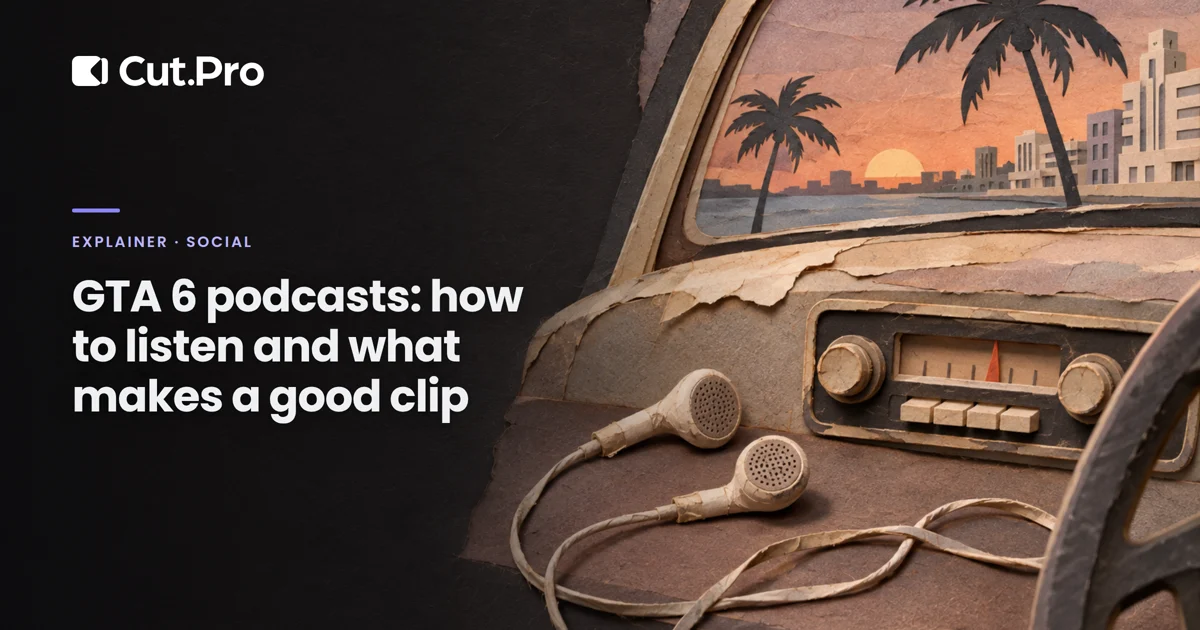
To listen to a podcast in GTA 6, use the radio inside a vehicle or, on foot, put on headphones connected to your character's phone: the shows are on demand and live on Jason and Lucia's phone. It's the first time the series has podcasts, and it changes the gameplay you end up with. Instead of music under the action, someone can now be talking, and talking is exactly what clipping AI looks for.
What are the GTA 6 podcasts?
They're talk shows you choose when to play, unlike the radio stations, which follow a fixed schedule. Rockstar announced the feature on October 8 in the Newswire post about GTA VI's radio stations, described as "a series of on-demand podcasts" on top of Leonida's radio stations, according to PlayStation LifeStyle.
There's also The Wipe, a station dedicated to podcast-style shows. According to ANTI/HYPE, a Brazilian outlet, it wasn't in the official preview of the six stations and only showed up in the gameplay shown the day before launch.
As of Thursday morning (the 19th), I haven't found an official Rockstar list with the names of all the shows. The two confirmed by several sources are on The Wipe:
| Show | Host | Tone |
|---|---|---|
| Ask Dr. Nita | Dr. Nita, voiced by Anitta | Adult humor about sex and relationships, with listener questions |
| Janelle James' show | Janelle James, from Abbott Elementary | Not yet revealed |
Ask Dr. Nita has Barbie Ferreira, from Euphoria, as a guest and uses "Touch & Go," the English version of "Vai Dar Caô," as its theme, according to Rolling Stone Brasil. The story of the game's Brazilian tracks is in Brazilian music in GTA 6.
How do you listen to podcasts in GTA 6?
In the car, through the radio; on foot, with headphones:
- Inside a vehicle. The Wipe plays on the radio of any vehicle, like the other stations, according to ANTI/HYPE.
- On foot. Equip headphones or earbuds. They connect to the character's phone, and radio and podcasts keep playing while you walk, according to PlayStation LifeStyle.
The exact button doesn't appear in the sources I checked, so follow the on-screen prompt. Up to GTA V, the radio only existed inside vehicles, as ANTI/HYPE points out, so listening on foot is new for the series.
Why does an in-game podcast change your clip?
Because clipping AI looks for speech, and now the game talks too. In a GTA V VOD, what you heard was the streamer and the music. In a GTA VI VOD, Dr. Nita might be answering a listener question while the streamer drives in silence.
In practice, it looks like this:
- The good clip: the streamer reacts to what the podcast said. They stop the car, laugh, repeat the line, comment on it. It's the same logic as the music reaction clip: the value is in their face, not in the game audio.
- The confusing clip: the AI finds a funny stretch of conversation that's just the podcast playing, with the streamer saying nothing. To the audience, it's a gameplay video with a character's voice. It earns little and may be the same material on a thousand channels.
- The caption that mixes voices: the transcript writes down everything it hears. If the podcast is loud, your clip's captions will have Dr. Nita's lines mixed in with the streamer's, with no sign of who said what.
What should you do when clipping?
Tell the AI you want the reaction, not the show. In Cut.Pro, under "What should we look for?", the ready-made "Podcast" option looks for "Whole ideas, longer clips," and on a GTA VOD it tends to pick up exactly the game's podcast. Choose "Write it" and ask for something like "the streamer's reaction to what the radio podcast says, only when they comment on it." The step-by-step for gameplay prompts is in how to get the AI to find the moments that become clips.
Then review the captions line by line. Delete the character's line or make clear who said it, and keep the captions away from the text the game already shows on screen. I covered this in captions on GTA 6 clips.
For streamers, the reverse tip: if you want clippers to cut your VOD, lower the podcast volume when you talk over it. Your voice and the game's voice at the same volume make a clip nobody can follow on a phone.
Can the in-game podcast cause monetization problems?
It can, for two different reasons. The first is the content. Ask Dr. Nita is humor about sex, and YouTube's advertiser-friendly content guidelines limit ads on videos where sexual content is the focus. A clip that's just Dr. Nita talking about intimacy is more likely to get the yellow icon than the streamer's reaction with the audio turned down.
The second is the theme song. The characters' dialogue is Rockstar material, and Rockstar's policy allows fans to post gameplay. "Touch & Go," however, is a commercial Anitta track, and Content ID can identify the jingle even inside the game. Starting the clip in the middle of the show, after the intro, avoids the problem. The full reasoning is in music in clips and copyright.
On TikTok and Reels, the caution is the same as with captions: an explicit word written on screen weighs more than a spoken one. I'd swap or cover the word in the captions before posting on either network. The differences between each network are in one GTA 6 clip for every network.
Which podcast clip would I test first?
What Brazilian audiences will be searching for this week:
- "Anitta is in GTA 6." The moment the streamer recognizes her voice. Short, 15 to 25 seconds, with the streamer's caption front and center and the podcast turned down.
- The absurd listener question. A question from Dr. Nita that makes the streamer stop the car. It works because it has a beginning, middle and end in under 40 seconds. Watch the topic, for the reason in the previous section.
- The quick tutorial. "How to listen to podcasts while walking in GTA 6," recorded by you, with your voice explaining the earbuds and the menu. It ages better than the reaction clip, because people will still be searching for it months from now.
A famous voice in the game is the same kind of hook that Vice City FM created with Weird Al: see what Weird Al's radio is worth in clips.
Where to start today
Open the VOD of the first GTA VI stream you clip and look for the stretches where The Wipe was playing. If the streamer commented on the show, it's a clip. If they stayed quiet, skip it. Send the AI after the reaction, review the captions so the voices stay separate, and start the clip after the jingle. The in-game podcast is an excuse for the streamer to talk, and their talking is what you're selling.