OGG to text and AAC to text: how to transcribe for free without installing anything
To turn OGG or AAC to text for free, upload the file as it is to an online tool that accepts those formats and download the text. This guide shows where each format works directly, how to get audio out of WhatsApp, the .opus trick, and when it's worth converting to MP3 first.
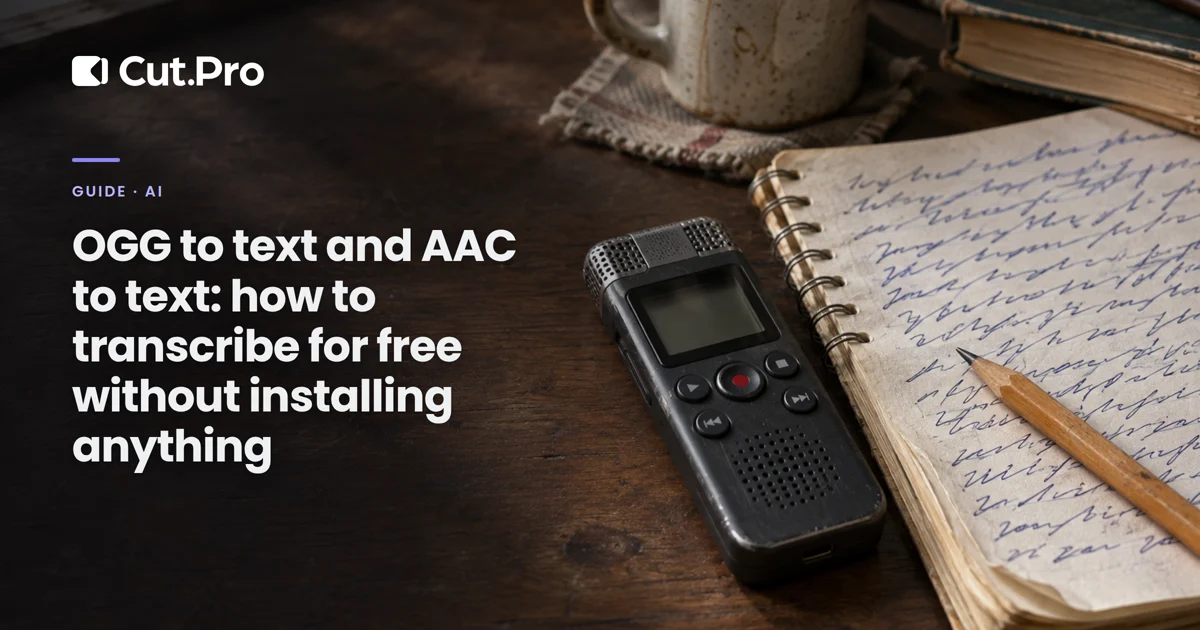
OGG to text and AAC to text: how to transcribe for free without installing anything
To turn OGG or AAC to text for free, you upload the file as it is to an online transcription tool that accepts those formats, pick the language, and download the text as .txt (or as .srt, with the timing of each line). You don't need to install anything or convert to MP3 first. Most people get stuck on the file itself: WhatsApp audio comes out as .opus, several well-known tools reject OGG and AAC, and converting when you don't have to costs you voice quality. Below is the path for each case.
Which path fits your file?
Pick based on what you want at the end, not on the tool.
| You have | You want | Shortest path |
|---|---|---|
| A WhatsApp audio that arrived in a chat | Just read what the person said | WhatsApp's own transcription, no export |
| An .ogg or .opus file (WhatsApp, Telegram, Discord, recorder) | The text in a file | Online tool that accepts OGG, no conversion |
| An .aac or .m4a file (phone recorder, livestream, video) | The text in a file | Online tool that accepts AAC, no conversion |
| Any format, in a tool that only accepts MP3 | The text | Convert to MP3 first, then transcribe |
| Audio from a video that will become captions | An .srt file with timing | Transcription that exports .srt |
Just want to read a WhatsApp audio?
You don't need to export anything: WhatsApp transcribes voice messages inside the app. The company launched the feature on November 21, 2024, and Portuguese was among the launch languages, along with English, Spanish and Russian.
- Open Settings > Chats > Voice message transcripts and turn the option on.
- Choose the transcription language.
- In the chat, press and hold the audio and tap Transcribe.
According to WhatsApp, the text is generated on the device itself, so neither the company nor anyone else reads what was transcribed. The catch is that the text stays stuck in the chat bubble. If you need it in a document, a caption or a script, the file is the way to go.
How to get the audio file out of WhatsApp
Press and hold the audio in the chat and use the share option to save it to Files or Drive, or to send it to your email.
On Android, the file usually comes out with the .opus extension, and this is where many people stop. Opus is the codec; the container is Ogg. In other words, your .opus is already an OGG file with a different name. If the tool only lists .ogg in the file picker, rename audio.opus to audio.ogg and upload it. Not a single byte of the audio changes, only the extension.
Step by step: OGG or AAC to text online
The flow is the same in almost every online tool. I'll use Cut.Pro as the example because it accepts .ogg and .aac directly: these are the shortcuts for OGG to text and AAC to text.
- Upload the file. Drag the .ogg or .aac onto the page. MP3, WAV, M4A, FLAC and video in MP4, MOV, WEBM or MKV also work, up to 5 GB per file.
- Choose the language. Leave it on Detect if the audio is long and in a single language. For short voice messages, set the language yourself: with ten seconds of speech, detection has little to go on and sometimes gets the whole language wrong.
- Create an account if you don't have one. The transcript is saved to your account, so first use asks you to sign up.
- Wait a few minutes. It runs on the server, so you can close the tab. The result shows up in your transcripts list.
- Download in the right format. Plain text (.txt) for reading, pasting into a document or a script. .srt or .vtt when the destination is captions, because they carry the timing of each segment.
The free plan includes 15 credits per month, no card required, and each minute of audio uses 1 credit. If the file has no speech at all, it is marked as "no speech" and the credit comes back.
What if the tool doesn't accept OGG or AAC?
Convert to MP3 first, but only in that case. Word's transcription, for example, accepts only .wav, .mp4, .m4a and .mp3, and it also requires a Microsoft 365 subscription (with 300 minutes of upload per month).
To convert without installing anything, an online converter does the job. CloudConvert gives you 10 conversions per day on the free plan. Choose MP3 at 128 kbps or higher: below that the voice starts to blur, and the transcript feels it before you do.
Keep in mind that AAC to MP3 is lossy conversion on top of lossy conversion. At the same bitrate, AAC usually keeps more voice detail than MP3, so converting when you don't need to only makes the file worse for the AI that has to read it. If the tool accepts AAC, upload the AAC.
How much can you transcribe for free?
Every free plan has a cap, and it comes in different shapes: per day, per file or per month.
| Option | Input formats | Free limit | Account needed |
|---|---|---|---|
| WhatsApp (inside the app) | Voice messages only | No announced limit | It's your app account already |
| Cut.Pro | OGG, AAC, MP3, WAV, M4A, FLAC and video | 15 minutes per month | Yes |
| TurboScribe | Audio and video | 3 files per day, up to 30 minutes each, according to reviews of the free plan | Yes |
| Word (Microsoft 365) | WAV, MP4, M4A and MP3 | Not free: 300 minutes per month with the subscription | Yes, paid |
What matters is your own week. If you transcribe three or four short client audios a day, the daily quota goes further. If it's a one-hour podcast episode each week, the per-file limit will force you to cut the audio into parts.
There's also a route that doesn't upload your audio anywhere: Whisper Web runs the transcription model inside your browser. You install nothing, but it downloads the model the first time and depends on how powerful your computer is. On a basic laptop, long audio takes a while. It works for sensitive, short audio.
Why does the transcript come out wrong?
Almost always because of the recording, not the format. OGG, AAC and MP3 give similar results when the voice is clean.
- Distant microphone and echo. Audio recorded with the phone lying on a table in an empty room loses its consonants. No tool can recover what was never recorded.
- Music on top. Livestream or video audio with a loud soundtrack confuses the AI. If you have the voice track separately, upload that.
- Two people talking at once. The overlapping part comes out truncated or disappears.
- Wrong language detected. Common in short audio and when you mix your language with English terms. Set the language yourself.
- Proper names and slang. Streamer names, brand names and nicknames are written the way they sound. Review before publishing.
If you want to measure this properly instead of eyeballing it, the method of counting wrong words is in how to measure auto caption accuracy. And if you're wondering which transcription engine keeps getting better, the ElevenLabs Scribe v3 test shows how big the recent jump is.
Creator transcription: from audio to captions
For people who record content, the .txt is rarely the end. Podcast audio becomes a clipping script, livestream speech becomes burned-in captions, a voice note becomes a post description. That's why I would always download the .srt too, even when the plan is just to read: it costs the same and already carries the timing of each sentence, which is what you'll need when you decide to cut that moment.
If the destination is short-form video, it's worth reading why caption style changes clip retention and, if you publish outside Brazil, how to make the same clip perform in three languages with translated captions. And when the file is a whole episode, the comparison of free AI tools for podcast clips shows where the transcript turns into a finished clip.
Where to start
If it's a WhatsApp audio you want to read right now, turn on transcription in the app and you're done. If you need the text in a file, upload the .ogg or .aac as it is, renaming the .opus to .ogg if needed, set the language yourself when the audio is short, and download the .srt along with the .txt. Only convert to MP3 when the tool leaves you no choice.