Mark Rober uses AI for scripts and thumbnails, but not on camera
Mark Rober said his team uses AI as a thinking partner for scripts and some thumbnails, while the filming stays real. This guide turns that split into steps a small channel can use to bring AI into pre-production without falling into AI slop.
Mark Rober uses AI for scripts and thumbnails, but not on camera
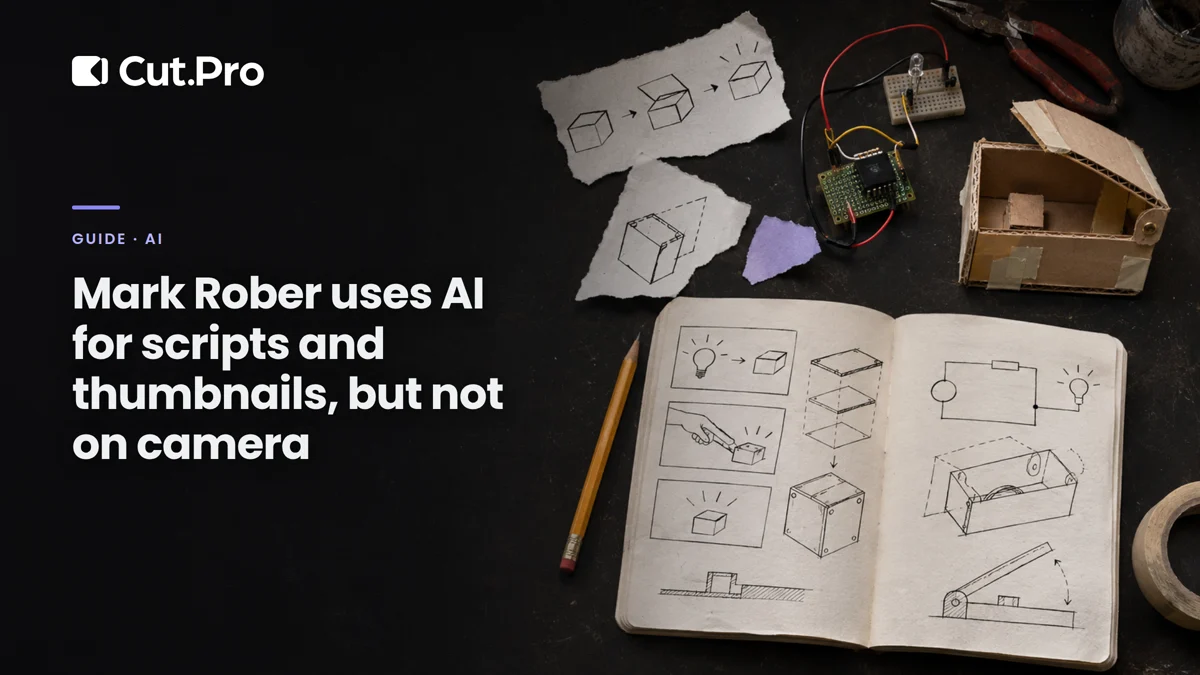
You can use AI for almost everything that happens before you hit record and still keep the video entirely yours. That is what Mark Rober's team does. Rober makes science videos and has more than 85 million YouTube subscribers. This guide takes that split and turns it into steps for anyone posting short videos, podcasts or livestreams, along with the mistakes that turn AI use into AI slop.
What did Mark Rober say about AI?
His team uses generative AI to think through the script and for part of the thumbnails, and the filming stays real. In remarks gathered by Tubefilter, he sums it up like this: "We're definitely using it as a thought partner on scripting, on some thumbnail stuff." He also said AI would let him "scale himself in certain ways," and drew the line: in science, you want to see the lava actually melting the thing.
He told Business Insider that his channel has a moat against AI slop, at least for now. His example was a basketball dunk: nobody wants the simulation when they can watch a person do it. "The fact that you know it's real is what makes it incredible."
The same piece includes a number that explains the push for efficiency. According to Rober, the YouTube channels of CrunchLabs, his company, broke even last year, with about 17 million dollars in revenue and similar costs. When production eats almost everything that comes in, saving hours before the camera rolls makes a difference.
Where does AI come in and where does it stay out?
AI helps at the stages that organize the idea and stays away from the ones that show what happened. This is the split as I read his method, applied to people making short videos:
| Stage | Does AI help? | Why |
|---|---|---|
| Research and topic | Yes | Surfaces angles and questions you hadn't thought of; you check the sources |
| Script structure | Yes | Orders the arguments, suggests a hook and where to cut the boring parts |
| Thumbnail and cover | Yes, as a draft | Tests composition before you build the final version from a real frame |
| Filming | No | It is what the audience came to see |
| Editing | Yes | Cutting pauses, captioning, finding the best moment in a long livestream |
| Opinion and conclusion | No | Written by AI, it comes out the same as everyone else's |
The platforms are pointing the same way. When YouTube put AI inside the Shorts editor, almost all of it was for editing material that already exists. And Instagram started to give more weight to recorded material with provenance.
Step by step: AI in pre-production for a small channel
The idea is to get to the recording faster, not to skip the recording. This is how I would set up a week for someone posting podcasts or short videos:
- Topic. Ask the text assistant you already use for 15 questions your audience would ask about the episode's subject. What shows up on screen is a somewhat obvious list, and that's fine: cross out the generic ones and record answering the best five.
- Structure. Paste in your loose notes and ask for an order of arguments with the turning point in the middle. Use it as a skeleton and rewrite it in your own words before recording.
- Hook. Write the first sentence yourself and ask for five shorter variations. Pick one and compare it with the hooks that hold the viewer in the first seconds.
- Cover. Generate three composition drafts to find out which reading works (object in the foreground, contrast, short text). The final version comes from a real frame of the video, because the cover that decides the swipe has to deliver on what it promises.
- Filming. No AI. Record from where you are, with what you have.
- Editing and clips. This is where AI gives back the most hours: finding the best moments of a three-hour livestream, cutting, captioning and publishing. On Cut.Pro that comes from a single link, and the time left over goes back into filming.
Common mistakes
The most expensive mistake is letting AI write the whole video and just reading the text out. Viewers pick up on the tone, and the video ends up looking like dozens of others on the same topic.
Others I see often:
- Accepting facts without checking. Text assistants make up numbers and dates with confidence. Every piece of information that goes into the script goes through a source you opened.
- A generated cover as the final cover. An AI image that shows something that is not in the video sells a promise the video doesn't keep, and people who click leave early.
- Generating the video so you don't have to record. This is where the monetization risk lives. YouTube demonetizes mass-produced or generic video under its inauthentic content policy, and we already showed that reposts without transformation stopped getting paid on the big networks.
A faceless channel is still possible. It just needs something that is its own, as the piece on AI personas for channels that don't show a face explains: your own script, a point of view, research nobody else has done.
What I think of the method
I think Rober's split works for a channel of any size, with one caveat. He has an entire company to build engineering experiments. Most creators don't, and that majority is the one tempted to outsource the whole video to a generator.
For anyone in that middle ground, the possible advantage comes from proximity. Recording from where you are, talking about what you lived through, is already something a video model can't reproduce. A strong opinion in a podcast clip is enough to start.
The question "use AI or not" has aged. The useful one is his: at which stage. People who use AI to think and edit will produce more than those who refuse the tool, and still be recognizable. The blog had already pointed this out when AI slop started losing reach on YouTube.
Where to start
Take your next video and mark each stage as either "organizes the idea" or "shows what happened." For the first group, test AI for a week and note how much time you saved. For the second, no AI. If the time saved turns into more filming, the method worked. If it turned into more generated video, it's worth taking a step back.