YouTube rolls out custom Shorts thumbnails to every creator
Since November 23, any creator can upload their own image as a Short's cover, on desktop and mobile. The feature launched in July for Partner Program channels only. Here's where that cover shows up, what the Help Center requires and what I'd do today.
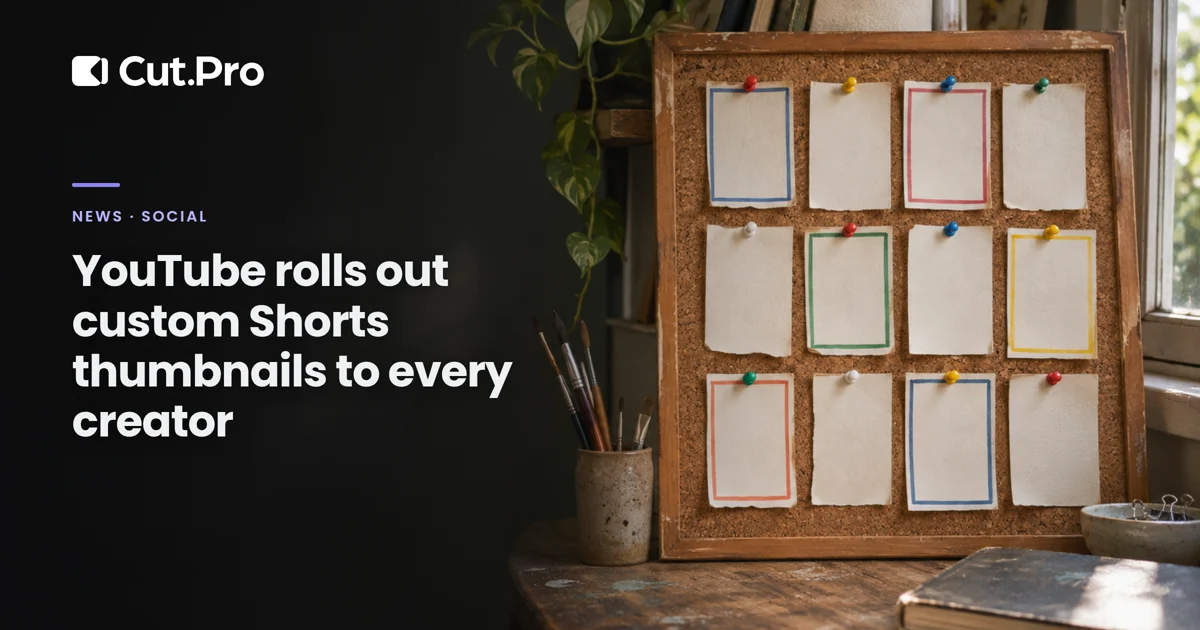
YouTube rolls out custom Shorts thumbnails to every creator
Any creator can now upload their own image as a Short's thumbnail, on desktop and mobile. YouTube CEO Neal Mohan announced it on X on November 23. The feature debuted in July for the Partner Program only, and if all you post on Shorts is clips, your choice was to pick a frame from the video and hope for the best.
The cover changes nothing in the feed, where the Short starts playing right away. It changes the storefront: your channel page and the home page. If you live off clips and want to land brand deals, that's where brands look.
What exactly changed?
Custom image upload has moved out of the Partner Program and into the app. In July, YouTube announced on its official blog that only Partner Program channels could upload custom thumbnails for Shorts, with a promise to expand "over time." Back then, uploading was only possible in YouTube Studio on desktop, according to PPC Land. On mobile, you could only pick a frame from the video.
Now there are two changes at once:
- Who can: every creator, not just monetized ones.
- Where: on mobile too. The Creator Insider channel, run by the YouTube team itself, also announced that custom covers are coming to mobile.
According to Social Media Today, Rene Ritchie, YouTube's editorial chief, said you can upload the image at upload time and change it after publishing. If you don't want a custom image, you can still pick a suggested frame from the Short.
The announcement doesn't mention countries. There's no specific confirmation for Brazil, but no announced restriction either: if the option doesn't show up in your Studio today, the rollout may be reaching accounts gradually.
Are there any requirements?
One: a verified channel. The YouTube Help Center says only verified accounts can upload a custom thumbnail; without that, you're left with the automatic suggestion. Verification is done by phone, once, at youtube.com/verify.
The Shorts specs, according to the same page:
| Item | What YouTube asks for |
|---|---|
| Aspect ratio | 9:16 (vertical) |
| Recommended resolution | 2160 x 3840 pixels |
| Minimum height | 640 pixels |
| Format | JPG or PNG |
| Maximum size on desktop | 50 MB |
Two traps the page also mentions. There's a daily thumbnail limit per channel, and if you hit it you see the "Daily custom thumbnail limit reached" notice and have to wait 24 hours. And thumbnails follow the community guidelines: a cover with nudity, violence or hate speech can be removed and earn a strike, and repeat offenses take away your right to use custom covers for 30 days.
At the July launch, thumbnail A/B testing was left out of Shorts, and today's rollout didn't announce any change there. I explained what the test does for long-form video in YouTube video A/B testing.
How do I change a Short's cover?
In YouTube Studio, open Content, go to the Shorts tab, click the pencil on the Short and, under Thumbnail, choose "Upload file" and save. It works for old Shorts too, so you can fix your whole back catalog.
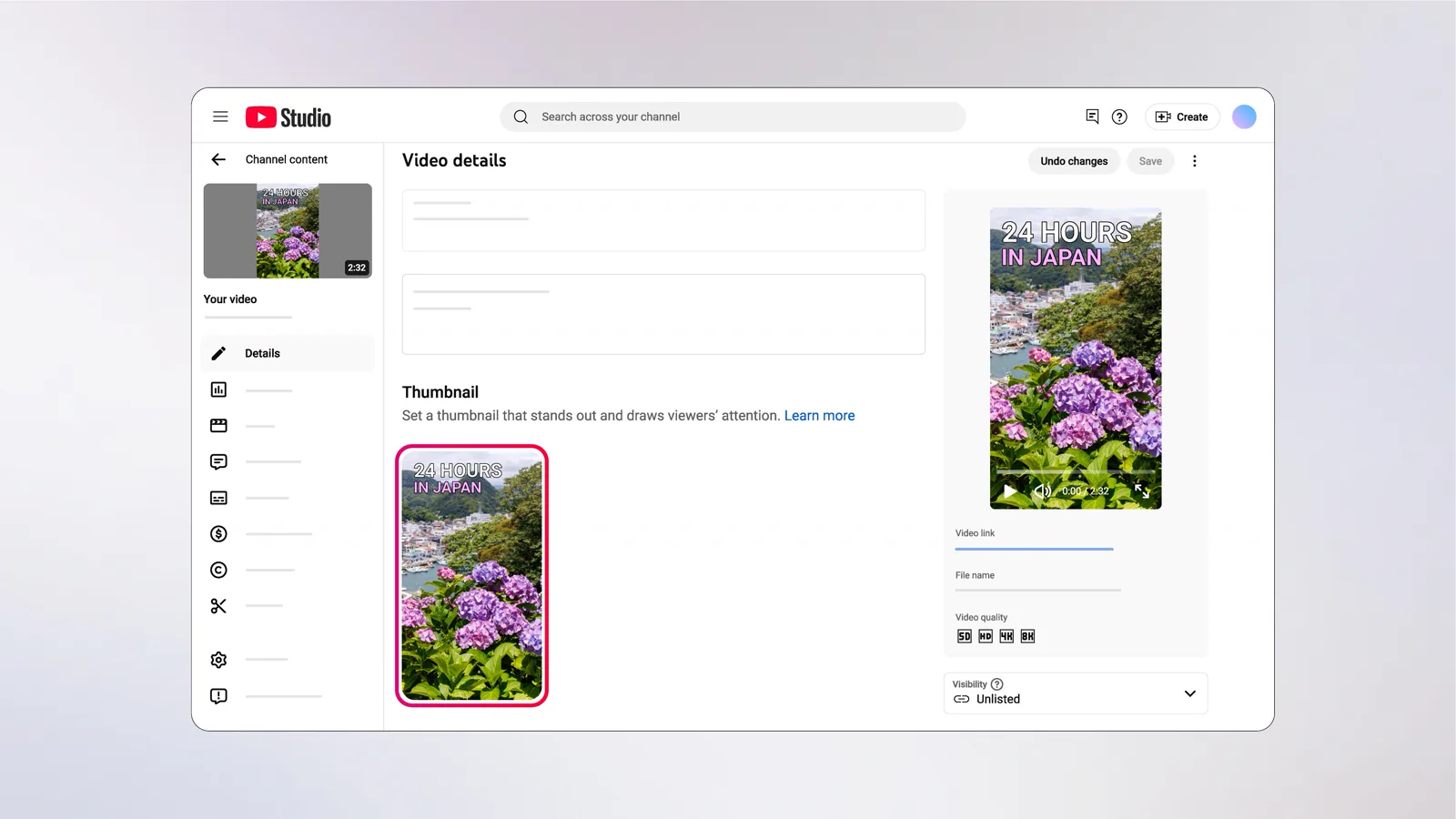
Where does this cover show up, anyway?
Outside the feed. In the Shorts feed, where most views come from, the video starts playing right away and what decides whether people keep watching is the first frame and the first few seconds. The thumbnail appears on the home page and on the channel's Home and Shorts tabs, according to PPC Land. In Creator Insider's July video, Rene Ritchie said how Shorts look on the channel page is "really important" to brands.
This is where I see the real gain. A clipping channel's Shorts tab is often a wall of blurry frames, mouths open mid-word, cut-off captions. A visitor who arrived through one clip and wants to see the next, or a brand manager vetting the channel for a brand deal, decides in two seconds whether it looks like a serious channel. With your own cover, the grid starts to look like a catalog.
What not to expect: more views in the feed. A nice cover doesn't save a Short with a weak opening.
What changes for people who post clips?
For a small channel that hasn't reached the Partner Program yet, it's the first time you can take care of your storefront. And with the monetization requirements doubling on February 1, a lot of people will spend more time outside the program than they expected.
Three uses I'd go for:
- Numbered series. Split a clip into part 1, 2 and 3 with the number big on the cover. On the Shorts tab, people find the sequence without opening video after video.
- A pattern per format. One color or frame for each format on your channel (podcast clip, reaction, live moment). The grid reads well from a distance.
- Face and context instead of a random frame. The speaker's expression plus two or three words about the topic. Keep in mind the feed doesn't show this: the cover helps people who are already on your channel.
Ritchie also said, according to Social Media Today, that Ask Studio, YouTube Studio's AI assistant, can help brainstorm cover ideas. Thumbnail generation inside Ask Studio, announced in July, is for long-form video only. I showed what you can ask it in Ask Studio on mobile.
What about people who publish to YouTube with another tool?
A cover sent through the YouTube API also depends on the channel's permission: if the account can't use custom thumbnails, the API rejects the cover. So verification applies to any scheduling tool, not just Studio. And if you publish the same clip on YouTube, TikTok and Reels, a different cover for each network pays off, which also helps you repost without looking like spam.
What to do now
Verify your channel by phone if you haven't yet. Open Studio and check whether the upload option already shows up on your Shorts. Then swap the cover on the ten Shorts that show up most on your page and on the ones that form a series. And keep spending most of your effort on the first three seconds, which is what the feed actually shows.