AI clipping tool: which one to use in 2026 and why speed matters
If you've ever cut video by hand, you know the time that goes down the drain. An AI clipping tool exists to fix that, but not all of them deliver the same. What sets them apart, and where to start.
AI clipping tool: which one to use in 2026 and why speed matters
If you've ever cut video by hand, you know the time that goes down the drain. A three-hour live turns into a whole afternoon reviewing bit by bit, cutting, captioning, adjusting the framing for vertical. By the end of the day, five clips come out. Maybe six.
An AI clipping tool exists to fix that. What changed in 2026 is that they stopped being a promise and became the standard way to produce short video. But not all of them deliver the same result.
What a clipping AI does in practice
To put it without the fluff: you paste a link (YouTube, Twitch, Kick) or upload a file, the AI watches the whole video, identifies the moments with the most energy, reaction, turn, and gives those bits back cropped to 9:16, captioned, with a virality score and ready to post.

The part most people don't get: the good tools don't just keep searching for keywords in the transcript. That's the lazy approach. It works for educational content, but it gets it badly wrong on lives, podcasts, comedy, anything that depends on context and timing.
A good AI watches the video the way a person would. It understands when you raised your voice, when the guest reacted, when there was a pause before a strong line. That's the level where the cut starts getting genuinely good.
The two axes that weigh most
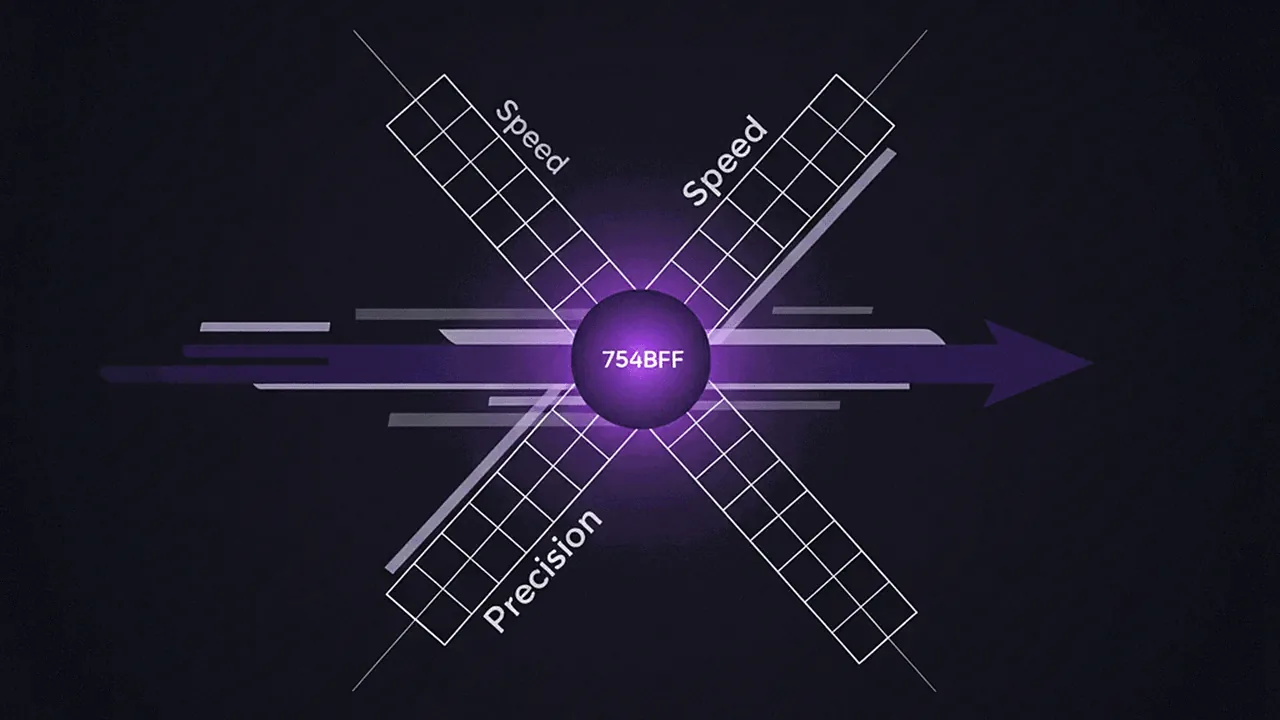
After testing all the big tools on the market, you can boil the choice down to two axes:
1. PT-BR caption accuracy. Most global tools hit between 80% and 90% accuracy in Portuguese. It sounds high, but 90% means ten errors per hundred words. In a one-minute clip with about 200 words, that's twenty caption errors. You'll have to review everything. There goes the automation.
A tool that's good at PT-BR delivers accurate captions. Cut.Pro delivers low WER in PT-BR today, measured in Word Error Rate against a human transcription.
2. Processing speed. Few people talk about this, but it changes everything in your routine. If the tool takes 15 minutes to process a 3-hour live, you don't use it the same day as the live. It waits for tomorrow. Tomorrow there's another video. The backlog only grows.
A fast tool processes the same live in 10 to 15 minutes. You finish the live, grab a coffee, and the clips are already ready. That's the loop that lets you post every day.
What sets the tools apart in 2026
Accuracy and speed are the basics. The ones making a difference today push on three more things:
Native Twitch and Kick support
Streamers are the biggest base of people cutting clips. And half the global tools don't connect directly to Twitch. You have to download the VOD, upload it by hand, wait for processing. Every single live.
A serious tool connects to your account, monitors when you go live, and processes the VOD as soon as it ends. Some, like Cut.Pro, do more: they identify moments in real time during the live and generate the clip before the VOD is even ready.
Custom strategies
Not every creator wants the same thing. A business podcast wants the practical insight. A comedy streamer wants the reaction. An educational channel wants the concept wrapped up in 60 seconds.
A good tool lets you create instructions for the AI. You write "prioritize comedy moments and chat reactions" or "focus on practical tips up to 90 seconds" and save it as a strategy. Next live, the AI uses it again without you having to explain everything.
Direct publishing
It sounds like a detail, but it saves an hour a day. Instead of downloading the clip, opening TikTok, filling in the title and description, scheduling, repeating for Instagram, for YouTube, the tool posts to all three networks on its own. Title, hashtag, timing, all of it.
Which tool is worth it in 2026
It depends on where you are.
For a Brazilian creator, the short answer is Cut.Pro. It was built from the ground up for PT-BR, has the most advanced clipping AI in Portuguese, processes in 10 to 15 minutes, supports Twitch and Kick, accepts Pix and card, and has a free plan of 15 credits per month with no credit card.
If your content is 100% in English and you couldn't care less about PT-BR captions, OpusClip and Klap are options. But you'll pay in dollars, wait longer for processing, and give up native Twitch support.
Kapwing, Spikes Studio and Vizard land in the mid-tier. They work, but they don't lead on any axis.
Where to start
Whatever the tool is, the way to test it is always the same:
- Take a live or podcast of your own, at least 1 hour long.
- Upload it to Cut.Pro. Each credit covers 1 minute of analyzed video: if the live is longer than the free plan covers, test with a stretch of it or use Basic.
- Look at the clips carefully. See if the captions are clean, if the cuts are at the moments you would have chosen, if the processing time matches what you can handle in your routine.
If you want to start with the strongest one in PT-BR and post right away, create a free Cut.Pro account here. Genuinely free, no card, 15 credits per month. Enough to test on a stretch of a live before you subscribe.
Quick FAQ
What is an AI clipping tool? It's software that watches a long video and cuts out the best bits on its own in vertical format, with captions ready for TikTok, Reels and Shorts.
Which is the best in 2026? For Brazil, Cut.Pro. For the global English market, OpusClip and Klap compete.
Does it work with Twitch lives? On Cut.Pro, yes, natively. On others, manual upload only.
Do you need to know how to edit? No. The AI delivers it finished. The editor is optional.
How much does it cost? Cut.Pro has Basic at R$19.90/mo and Plus at R$69.90/mo, plus a free plan of 15 credits/mo. Dollar-priced tools land between US$15 and US$30/mo, plus exchange rate and IOF.