AI Clipping for Twitch and Kick: The Complete Guide for Brazilian Streamers
How to use AI to create automatic clips from your Twitch and Kick streams. Strategies to grow on TikTok and Reels with your stream highlights, no manual editing.
AI Clipping for Twitch and Kick: The Complete Guide for Brazilian Streamers
Going live is great for building community in real time, but a stream's reach is limited to the number of viewers who are online at that moment. The strategy that's separating streamers who grow from streamers who stay stuck in 2026 is simple: turning the best moments of the stream into short viral content for TikTok, Reels and Shorts.
In this guide, you'll learn how to do that in an automated way with AI, saving hours of manual editing.
Why Every Streamer Needs a Clipping Strategy
A 3-hour stream is watched live by X people. But a 45-second clip of that epic moment can be seen by 100X those people in the following weeks, with no extra streaming effort.
Brazilian streamers with 10-50k followers on Twitch often have more views on TikTok than on the platform itself. A few examples from the Brazilian scene:
- A well-edited "rage quit" clip can pass 1M views on TikTok
- Scare moments in horror games generate massive views on Shorts
- Funny reactions to unexpected events go viral on any platform
The problem is that extracting and editing those moments manually is laborious. A 4-hour stream might have 5-10 viral moments, but finding and editing them takes 2-4 hours of work, more than the stream itself.
The Problem with Manual Clipping
Without AI, the clipping process looks like this:
- Watch the full stream VOD (3-6 hours)
- Mark the timestamps of the best moments
- Export the clips from the video editor
- Adjust the cut so it doesn't cut off context
- Add captions manually
- Frame in 9:16 for vertical platforms
- Export and upload on each platform
- Repeat for each clip
For a streamer who goes live 3x a week, that means 6-12 hours of extra editing every week, unfeasible for anyone without a team.
How AI Clipping Works
With AI, the process changes completely:
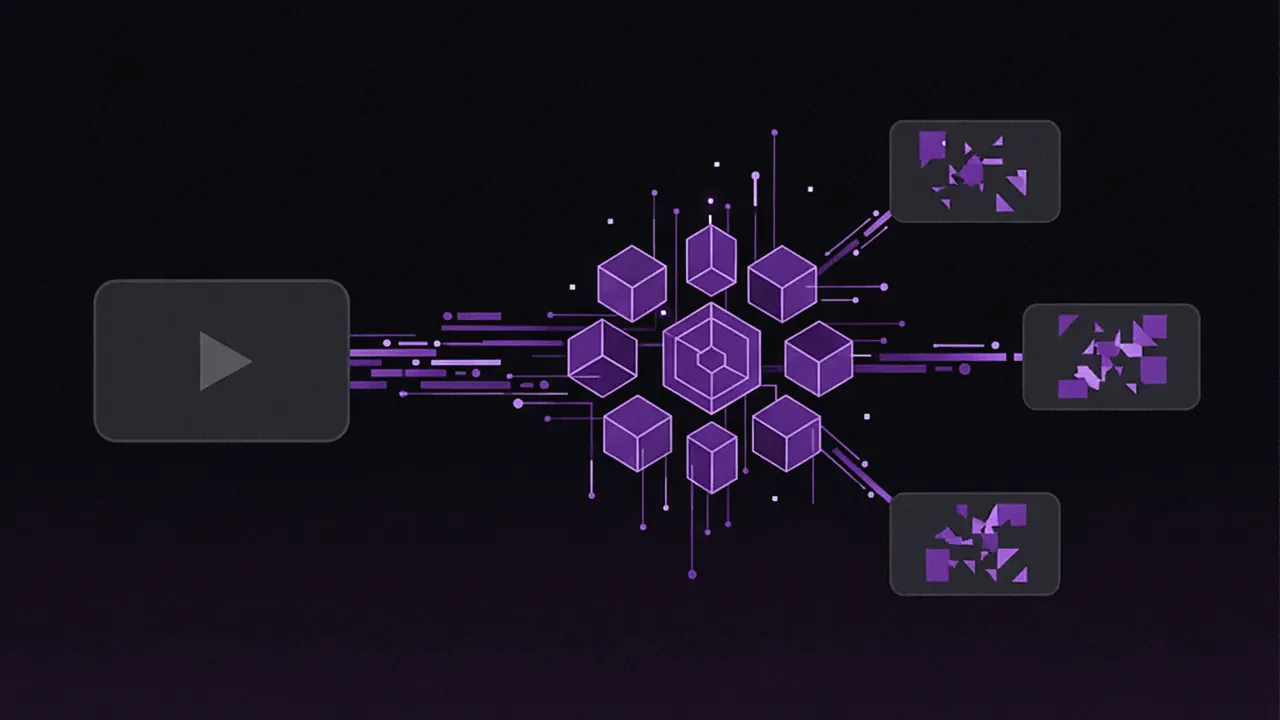
- Paste the VOD or stream link into Cut.Pro
- The AI does all the rest automatically
- You get the clips ready to publish
Under the hood, the AI analyzes:
Audio Analysis
- Volume peaks: Moments of shouting, laughter, surprise
- Vocal energy: Changes in tone and pace that signal emotion
- High-impact words: Keywords that trigger reaction ("GO", "DAMN", "NO WAY")
- Dramatic silence: Pauses before reveals or reactions
Engagement Analysis
The AI can analyze chat patterns (when available) as a signal of engagement. Moments when the chat explodes with messages are usually viral moments.
Face Detection
To frame the streamer correctly in 9:16, the AI detects the face and makes sure it stays centered, even during movement.
Cut.Pro for Streamers: Step by Step
Step 1: Connect your account
In Cut.Pro, you can connect your Twitch and Kick accounts for direct access to your VODs, or simply paste the video link.
Step 2: Send the VOD link
Paste your stream's VOD link. Cut.Pro supports:
- Twitch VOD links (
twitch.tv/videos/XXXXX) - Kick VOD links (
kick.com/video/XXXXX) - YouTube links (if you restream)
- Direct MP4 file upload
Step 3: Set your preferences (optional)
You can configure:
- Clip length: 15-30s (short TikTok), 30-60s (standard), 60-90s (long TikTok)
- Number of clips: How many you want the AI to generate
- Caption style: Font, color, size, position
- Content focus: Gaming, reaction, gameplay, conversation
Step 4: Wait for processing
Cut.Pro processes the stream. A 3-hour stream takes about 10-15 minutes. You get a notification when the clips are ready.
Step 5: Review and choose
You see all the generated clips with a viral-potential score. You can:
- Publish directly without editing
- Make fine adjustments in the editor (trim a bit, change a caption)
- Discard clips that don't make sense
Step 6: Publish or schedule
Publish directly to TikTok, Instagram Reels and YouTube Shorts, or schedule for the best times.
What Makes a Good Stream Clip
Not every moment of a stream becomes a good clip. Here are the types of content that work best:
✅ Clips that go viral
Unexpected reactions: A scare in a horror game, emotion at winning a match, a reaction to a big donation
Impressive skill: An incredible technical play, a kill streak, a creative strategy
Involuntary humor: A dumb death in-game, a funny bug, an embarrassing situation
Authentic interaction moments: A reaction to a chat clip, a heartfelt response to a subscriber
Tilt and frustration: Controlled. The streamer getting frustrated and cursing (in a funny way) is very welcome on Brazilian TikTok
❌ Clips that don't work
- Slow moments with nothing happening
- Long conversations with no context for those who don't watch the stream
- Ordinary gameplay with no specific reaction
- Clips that need a lot of context to make sense
- Content without quality audio
Distribution Strategy: What to Post Where
Each platform has different characteristics that influence the type of clip that performs best:
TikTok
- Ideal length: 30-60 seconds
- What works: Humor, exaggerated reactions, controlled rage moments, epic highlights
- Caption: Big, animated, colorful
- Frequency: 2-3 clips a day if possible
Instagram Reels
- Ideal length: 15-45 seconds for normal Reels, up to 90s for long Reels
- What works: More polished moments, technical skill, beautiful highlights
- Caption: More understated than TikTok
- Frequency: 1 Reel a day is ideal
YouTube Shorts
- Length: Up to 60 seconds
- What works: Impressive gameplay, clean reactions, content that makes sense without context
- Important: Add the stream link in the description to drive people to the main channel
- Frequency: 3-5 Shorts a week
Twitter/X and Discord
Don't underestimate these platforms for clips. Brazilian Twitter has a strong culture of streamer clips, and Discord is great for engaging your existing community.
Building Your Content Library
An underrated strategy: saving all your clips in an organized library. Clips from 6 months ago that didn't perform at the time can go viral when re-posted with a different caption, when they become part of a compilation, or when the context becomes relevant again.
With Cut.Pro, all your clips stay organized and accessible for future republishing.
Metrics to Track
To know whether your clipping strategy is working, track:
On TikTok: Watch time percentage (target: >50%), share rate, new followers per video
On Instagram: Reach among non-followers, save rate, clicks on the bio link
On YouTube Shorts: Thumbnail CTR (target: >5%), watch time, subscribers gained
On Twitch/Kick: Increase in average viewers after a clip goes viral, new follows coming from social media
Monetization Through Clips
Beyond organic growth, well-distributed clips open monetization paths:
Growing the base for Twitch/Kick: Each viral clip potentially brings new viewers to your streams. In general, channels with an active clipping strategy grow 2-3x faster than channels that only stream.
YouTube Shorts: Once you reach 1,000 subscribers and 4,000 watch hours, your Shorts are monetized via AdSense. For streamers with a lot of content, the Shorts channel can generate R$500-R$5,000/month.
TikTok Creator Fund: TikTok pays directly for qualified views. With a high volume of clips, this can turn into significant passive income.
Sponsorships: Streamers with a strong TikTok presence land sponsorships more easily, even with a moderate Twitch audience.
Comparison: Manual vs AI
| Manual Clipping | Clipping with Cut.Pro | |
|---|---|---|
| Time per 3h stream | 3-6 hours | 15-20 minutes |
| Clips generated | 3-5 | User-configurable |
| PT-BR caption quality | Depends on the editor | high accuracy |
| 9:16 framing | Manual, inconsistent | Automatic with face detection |
| Publishing | Manual on each platform | 1-click multi-platform |
| Cost | Your time or a freelance editor | Free, paid plans from R$19.90/month |
For streamers who do 3+ streams a week, the time saved with AI is 10-20 hours per week.
Conclusion: Clips Are Your Biggest Asset
Your stream lasts a few hours. But a viral clip can be discovered for years. Streamers who systematize clip creation build a content asset that keeps working for them 24 hours a day.
With AI tools like Cut.Pro, this no longer requires an editing team. Any solo streamer can have a professional clipping strategy.
To deepen your strategy, also check out how to create viral clips for TikTok and the best times to post Reels in Brazil. Want to understand why the captions are so accurate? Check out the Cut.Pro caption accuracy methodology. For a comparison of the best clipping tools specifically for streamers, see what's the best AI clipping tool for Twitch and Kick in 2026.
Connect your Twitch or Kick account on Cut.Pro and start for free →
Frequently Asked Questions
Does Cut.Pro work with Twitch VODs?
Yes. Just paste the Twitch VOD link (twitch.tv/videos/XXXXX) into Cut.Pro. The AI processes the full video, identifies the moments of highest engagement and generates the clips automatically, with PT-BR captions and 9:16 framing. The same works for Kick, YouTube and direct MP4 file upload.
How long does it take to process a 3-hour stream?
A 3-hour stream takes roughly 10 to 15 minutes to be processed by Cut.Pro. The result is the number of clips you configured, with Brazilian Portuguese captions, 9:16 framing and a viral-potential score for each clip, compared to 3 to 6 hours of manual editing for the same volume of content.
What's the best type of moment to clip from a stream?
The clips that go viral most are: unexpected reactions (a scare in a horror game, emotion at winning a match), impressive skill (technical plays, kill streaks), involuntary humor (a silly death, a funny bug, an embarrassing situation) and moments of authentic chat interaction. Clips that depend on a lot of context to make sense tend not to work outside the stream.
Does AI clipping replace a video editor?
For short social clips (TikTok, Reels, Shorts), largely yes. Cut.Pro automates cutting, PT-BR captioning, 9:16 framing and publishing directly to platforms. The built-in editor allows fine-tuning when needed. For more elaborate productions like long-form edited videos, a human editor still adds more value.
Can you connect Twitch and Kick accounts directly?
Yes. In Cut.Pro you can connect your Twitch and Kick accounts for direct access to your VODs, or simply paste any VOD link manually. Live clips (real-time capture during the stream) are available on every plan, including the free one.