Cut.Pro vs AutoClipper: The Complete Comparison for Brazilian Creators in 2026
Cut.Pro or AutoClipper? A detailed comparison of the two Brazilian AI clipping tools for streamers, solo creators and agencies in 2026. Real pricing, features, Twitch, Kick and much more.
Cut.Pro vs AutoClipper: The Complete Comparison for Brazilian Creators in 2026
AutoClipper and Cut.Pro are both Brazilian AI clipping platforms, and that is exactly why the comparison is worth making. When the debate is between tools from the same country, the differences become more subtle and more important: target audience, video input sources, workflow and community features are the factors that truly set the two apart.
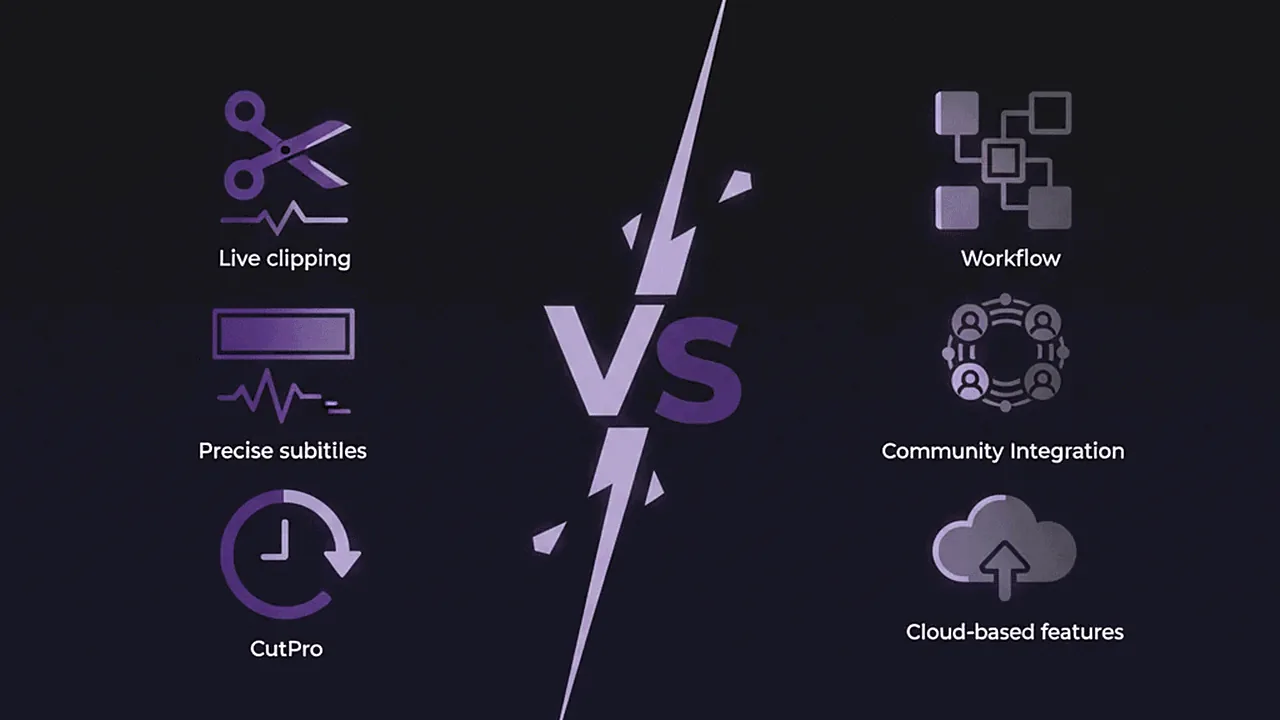
On one side, AutoClipper, focused on creators, agencies and podcasters: public, transparent pricing, a multi-client workflow, the "The Clippers" community on WhatsApp, and support for YouTube and direct upload. On the other, Cut.Pro, focused on streamers and live creators: native integration with Twitch and Kick, clipping during the broadcast, a community template gallery, and dedicated training for colloquial Brazilian Portuguese.
What Is AutoClipper?
AutoClipper is a Brazilian AI clipping platform built to turn podcasts, webinars and long-form videos into ready-to-post Shorts, Reels and TikToks. With more than 20,000 creators and companies on board, the tool serves content creators, marketing agencies, podcasters, clipping channels and media groups.
Key AutoClipper features:
- Automatic AI clips: NLP and computer vision to understand context, emotion and framing, not just silence detection
- Animated captions with 98% accuracy: A variety of styles, including Hormozi and corporate
- Automatic 9:16 reframing: Active face detection to center the speaker
- BrandKit & Templates: Logo, fonts and colors configurable per project or client
- Agency workflow: Organized folders, multiple clients, white-label and a centralized approval dashboard
- Social media scheduling: Direct publishing built into the export flow
- Project Reprompt (Coming soon): Credit-based reprocessing on the Plus and Pro+ plans
- The "The Clippers" community: A WhatsApp group for the platform's creators
- YouTube import and upload: Support for YouTube links and files uploaded directly
AutoClipper Plans and Pricing 2026:
| Plan | Price/month | Processing | Clips/month | Retention | Watermark |
|---|---|---|---|---|---|
| Free | R$0 | 60 credits/month | 5 clips | 7 days | Yes |
| Starter | R$49,90 | 180 credits/month | Unlimited | 30 days | No |
| Plus (Most Popular) | R$99,90 | 360 credits/month | Unlimited | 30 days | No |
| Pro+ | R$149,90 | 720 credits/month | Unlimited | 30 days | No |
| Enterprise | On request | Unlimited | Unlimited | - | - |
All paid plans include a 7-day free trial. The Starter plan includes personalized AI recommendations and 1 saved caption layout. Plus adds 3 layouts + Reprompt with 10 credits. Pro+ reaches 5 layouts + Reprompt with 20 credits. Enterprise includes a dedicated API, a guaranteed SLA, 24/7 support and an account manager.
What Is Cut.Pro?
Cut.Pro is the Brazilian AI clipping platform specialized in streamers and live content creators. The main difference compared to other domestic tools is the native integration with Twitch and Kick (the two largest live-streaming platforms in Brazil), with support for clipping during and after live broadcasts.
Cut.Pro's AI was trained on an extensive sample of real PT-BR content, achieving a high accuracy rate for captions in PT-BR. The pricing model is completely transparent and fixed in reais.
Cut.Pro Plans and Pricing 2026:
| Plan | Price/month | Minutes/month | Note |
|---|---|---|---|
| Free | R$0 | 15 credits | With watermark |
| Plus | R$69,90 | 450 credits | No watermark |
| Pro | R$119,90 | 1.000 credits | For heavy use |
Feature Comparison: Cut.Pro vs AutoClipper
| Feature | Cut.Pro | AutoClipper |
|---|---|---|
| Published pricing | Yes (full transparency) | Yes (full transparency) |
| Free plan | Yes (15 credits/month) | Yes (60 credits/month, 5 clips) |
| Free trial on paid plans | Not needed | 7 days on all paid plans |
| PT-BR accuracy | accurate PT-BR transcription | 98% (stated, no methodology) |
| Twitch integration | Native | No |
| Kick integration | Native | No |
| Live clipping | Yes | No |
| YouTube import | Yes | Yes |
| Video upload | Yes | Yes |
| Automatic 9:16 reframing | Yes | Yes |
| Cloud rendering | Yes | Yes |
| Agency workflow | No | Yes (folders, white-label, approval) |
| Brand Kit | Yes | Yes |
| Saved caption layouts | Yes | 1 to 5 depending on the plan |
| Reprompt / reprocessing | No | Coming soon (Plus and Pro+) |
| Community template gallery | Yes | No |
| Viral Score per clip | Yes | Yes (Virality Score) |
| Direct publishing (TikTok/Reels/Shorts) | Yes | Yes |
| Community | Yes | Yes (WhatsApp "The Clippers") |
| Portuguese support | Yes | Yes |
| Billing in reais | Yes | Yes |
Pricing Comparison: Cut.Pro vs AutoClipper
Both tools publish their pricing transparently, which is an advantage for anyone who needs to justify the expense in a budget or compare options before subscribing.
| Aspect | Cut.Pro | AutoClipper |
|---|---|---|
| Transparency | Public pricing | Public pricing |
| Free entry point | 15 credits/month, no card | 60 credits/month, 5 clips, 7-day retention |
| Basic paid plan | R$69,90/month (450 credits) | R$49,90/month (180 min), Starter |
| Mid-tier plan | R$119,90/month (1.000 credits) | R$99,90/month (360 min), Plus |
| Advanced plan | - | R$149,90/month (720 min), Pro+ |
| Enterprise | On request | On request |
| Free trial | Permanent Free plan | 7 days on paid plans |
| Currency | Real (R$) | Real (R$) |
AutoClipper offers more processing minutes per real on its mid-tier plans. It's worth doing the math based on your real monthly usage. Cut.Pro makes up for it with a permanent Free plan that has no 7-day expiration and no limit on stored projects during the period.
What Sets AutoClipper Apart: Agencies, Community and Multiple Profiles
AutoClipper was designed to serve several profiles beyond the solo creator. If you're an agency, you can create per-client folders, apply white-label with each brand's logos and colors, and use the centralized dashboard for approval and publishing. For podcasters and clipping channels that work 100% with YouTube or files, the platform offers a complete flow with no integration limitations whatsoever.

The "The Clippers" community on WhatsApp is also a genuine differentiator: a space for creators to exchange experiences, templates and strategies, something that goes beyond standard technical support.
The Reprompt feature (still marked as "Coming soon") promises to let you reprocess existing projects with new parameters using credits, which can be useful for agencies that need to re-edit deliverables without starting from scratch.
What Sets Cut.Pro Apart: Twitch, Kick and Live Clipping
Cut.Pro's biggest strength is its integration with live-streaming platforms. No other Brazilian tool offers this natively:
- Direct connection to Twitch and Kick: No download, no upload, no middlemen. You connect your account and the VODs are processed automatically.
- Clipping during the live: The system identifies peak moments while the broadcast is still happening, letting you capitalize on engagement in real time.
- Community template gallery: Templates created by other Brazilian streamers, tested and validated by a domestic audience.
- Viral Score: Each clip gets an individual virality score to help with curation.
For streamers who do 3, 4 or more lives a week, the absence of these integrations in AutoClipper means extra hours of manual work every week: downloading VODs, uploading them, waiting for processing.
Who Has Better PT-BR Accuracy?
Both tools were developed in Brazil and focus on Portuguese:
- Cut.Pro: internal benchmark.
When to Choose AutoClipper
AutoClipper is the right choice if you:
- Are a podcaster or creator who works with YouTube and upload: Without needing Twitch or Kick, AutoClipper delivers with a complete, well-structured flow.
- Manage content for multiple clients: The folder, white-label and approval workflow is the tool's strongest point for agencies with a structured operation.
- Want an active community: The "The Clippers" WhatsApp group offers a space for exchange that goes beyond technical support.
- Need a lot of processing minutes: AutoClipper's plans offer a good minutes-per-real ratio, especially on Pro+.
- Want to try before you subscribe: The 7-day trial on all paid plans lets you test with real volume before committing your card.
When to Choose Cut.Pro
Cut.Pro is the right choice if you:
- Are a Twitch or Kick streamer: Native integration, no friction, automatic VOD processing. There's no domestic equivalent.
- Do lives and want real-time clipping: Live clipping captures moments as they happen, not hours later.
- Want the longest-lasting free plan: 15 credits/month with no 7-day expiration and no limit on saved projects.
- Are a solo creator or small team: Cut.Pro was built for creators, with a UX focused on speed and immediate results.
- Want to explore community templates: The collaborative gallery offers shortcuts to styles already validated by the Brazilian audience.
- Prioritize PT-BR caption accuracy: the focus is dedicated training for Brazilian colloquialism.
Conclusion: Different Profiles, Different Choices
Cut.Pro and AutoClipper are both capable Brazilian tools that serve distinct profiles. Both have transparent pricing in reais, which is already an advantage over international tools.
If you're an agency, podcaster or content producer who works with YouTube and upload, AutoClipper offers a mature ecosystem with an approval workflow, per-client white-label and an active community. If you're a Twitch or Kick streamer, or any creator who does lives and needs automatic real-time clipping, Cut.Pro is the only Brazilian option that solves that problem natively, with a model trained specifically for colloquial Brazilian Portuguese.
For most streamers and live creators, Cut.Pro offers the most direct flow: connect your account, get your clips, publish. No manual download-and-upload steps.
Try Cut.Pro for free: 15 credits per month, no card: cut.pro
Frequently Asked Questions
Does AutoClipper integrate with Twitch or Kick?
No. AutoClipper accepts videos via YouTube link or file upload, but it has no native integration with Twitch or Kick. For streamers who need automatic clipping of lives and VODs from those platforms, Cut.Pro is the only Brazilian option with native support.
What are AutoClipper's prices?
AutoClipper publishes its prices openly: Free (R$0, 60 credits/month, 5 clips, watermark), Starter (R$49,90/month, 180 min), Plus (R$99,90/month, 360 min, the Most Popular), Pro+ (R$149,90/month, 720 min) and Enterprise (on request). All paid plans include a 7-day free trial and you can cancel at any time.
Does AutoClipper export in 4K?
AutoClipper does not advertise 4K export in its plans or on its site. The platform offers high-quality export, but without a published maximum resolution. Cut.Pro exports in Full HD (1080p), which is the ideal resolution for TikTok, Reels and Shorts.
Does Cut.Pro have features for agencies?
Cut.Pro is aimed mainly at streamers and solo creators, with a focus on integration with Twitch and Kick and clipping speed. For agencies with multiple clients and formal approval flows, AutoClipper offers more robust infrastructure with per-client folders, white-label and a centralized dashboard. If you manage multiple clients and don't need Twitch or Kick, AutoClipper may be a better fit for that profile.
Keep reading
More insights and tutorials to help you grow as a content creator.