The GTA 6 character trend: how to make your own photo with AI
The GTA 6 launch-day trend turns a selfie into art in the style of the game's covers. I tested the prompt that's going around on two image models, show the results, and explain what to keep out of the image so your post doesn't get taken down.
The GTA 6 character trend: how to make your own photo with AI
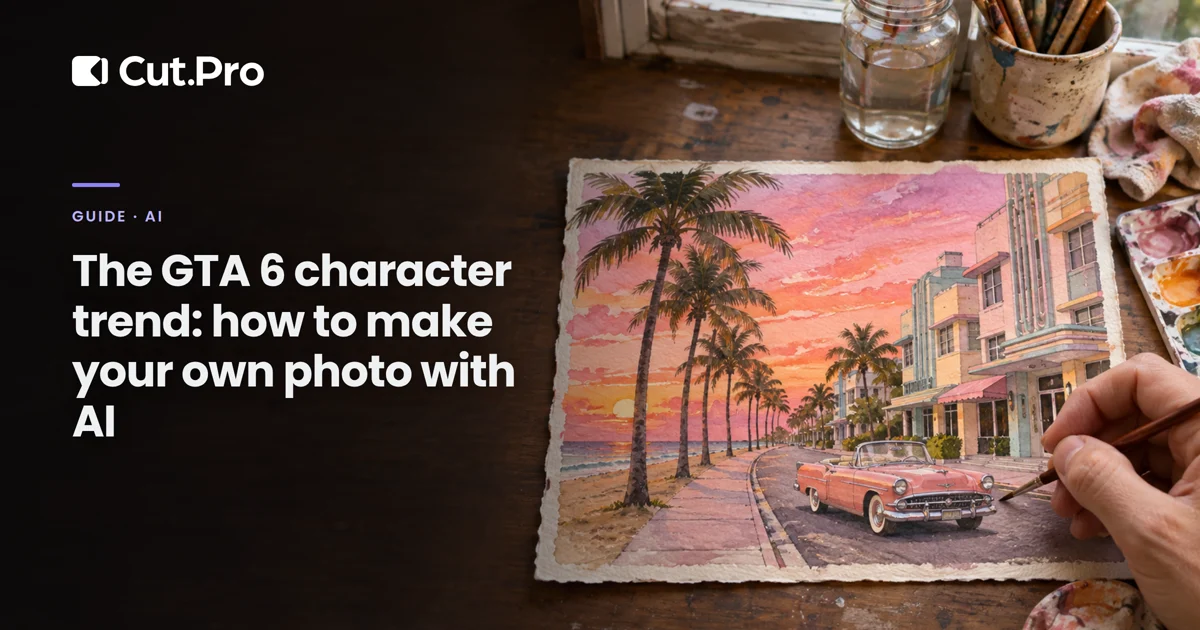
The GTA 6 launch-day trend is simple: you send a selfie to an image AI and get back a portrait of yourself in the style of the game's promo art, with palm trees, a sports car, neon, and a pink sunset. Metrópoles, a Brazilian news site, published the step-by-step on Thursday (Nov. 19), using ChatGPT. I ran the same prompt on two models to see what you really get, what it costs, and where the trend can cause trouble for people who post it.
What is the GTA 6 character trend?
It's an image of you drawn as if you were the game's protagonist. The AI reads your photo, keeps your face, hair, and clothes, and puts you in a city that looks like Vice City, the game's version of Miami.
It's the same mechanic as other AI image waves: a ready-made prompt passed from hand to hand and applied to your own photo. Tutorials with variations of the same request, in poster format, also show up on sites like Media.io. What gives the trend legs right now is the calendar: the game came out today, and anything with GTA 6 in it is being searched.
What's the prompt that's going around?
This is it, according to Metrópoles, to send along with your photo (translated here from the Portuguese original):
Turn my photograph into an illustration inspired by GTA 6 promotional art. Preserve my physical features, facial expression, hair, skin tone, clothes, and accessories. Place me as the protagonist in a city inspired by Vice City, with sports cars, palm trees, luxurious buildings, and neon lights. Use vibrant colors, strong shadows, and a sunset in shades of pink, purple, and orange.
The article's tip is to use a well-lit photo, with no filter and your face visible. After that, you can ask for changes to the outfit, pose, or setting in the same conversation.
How did it turn out in the test?
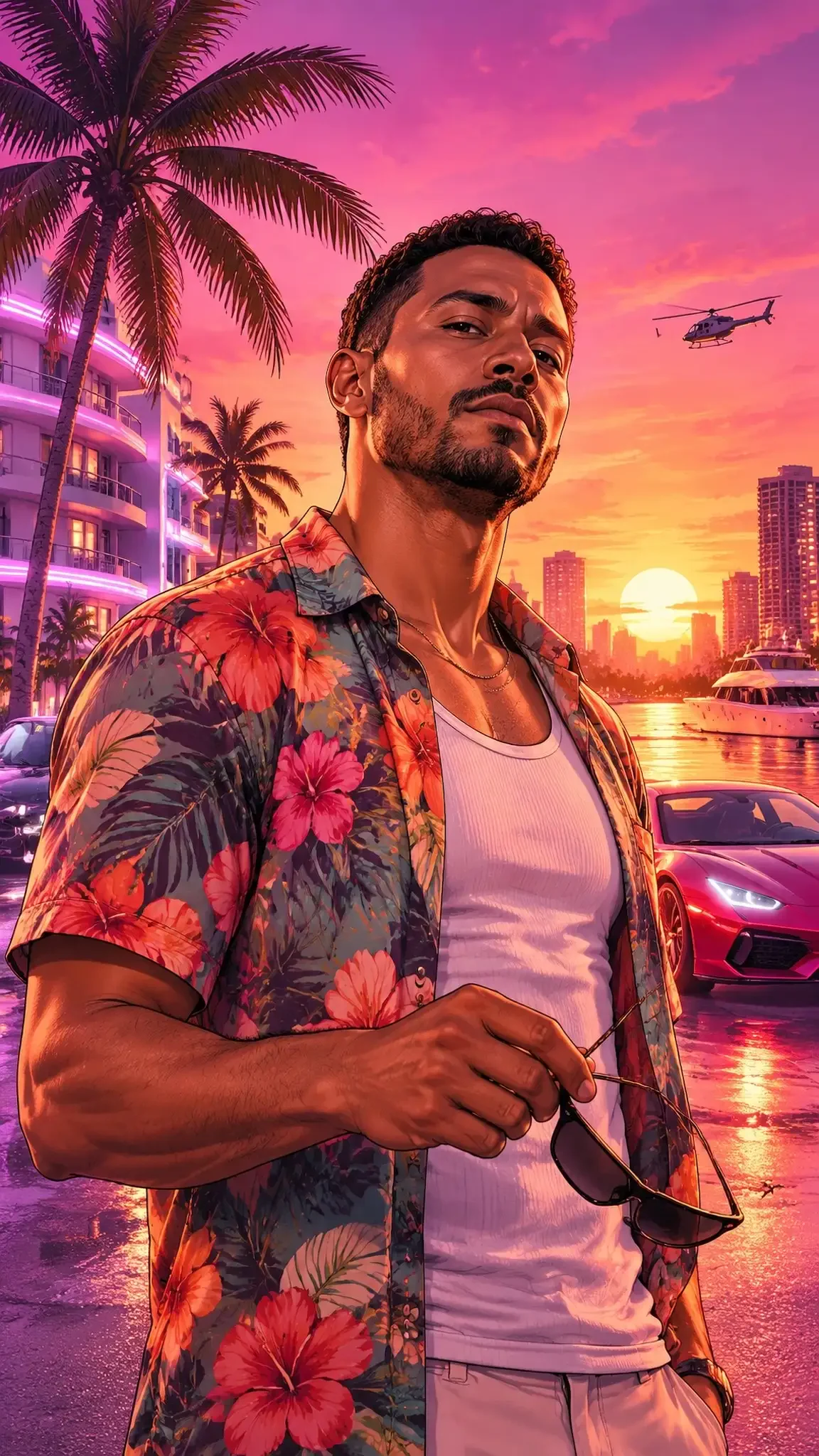
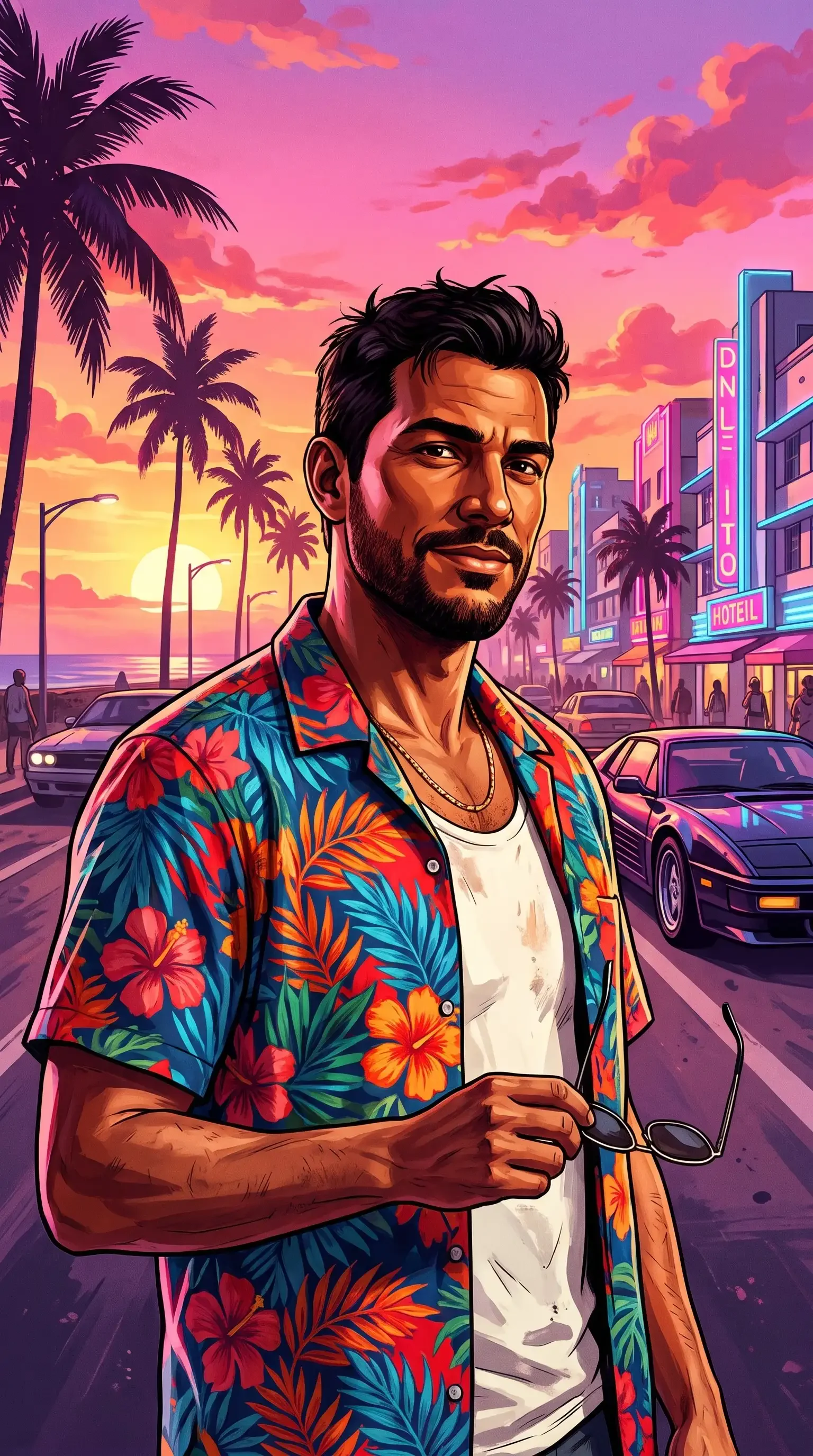
I didn't use anyone's photo. I swapped the photo part for a description of an invented character (a Brazilian man of about 35, brown skin, short beard, an open flowered shirt over a white tank top, a thin chain, and sunglasses in his hand) and kept the rest of the prompt the same, in 9:16 vertical format, in the Cut.Pro Generator.
GPT Image 2.5, OpenAI's image model, gave the version closest to the official art: semi-realistic painting, warm late-afternoon light on the face, a yacht and helicopter in the background, a red sports car, and a building with purple neon. The hand holding the sunglasses came out right. It cost 6 credits.
Google's Nano Banana 2.1 leaned toward comic book: thick black outlines, flat colors, and cars that look like the 80s. It's closer to the GTA V loading screens than to the new game's art. And here the classic flaw showed up: the neon signs on the street have meaningless letters ("HOTEIL", "DNL ITO"). It cost 4 credits.
I also tried Seedream 5.0 Pro, which the Generator recommends for keeping the face from your photo, and the generation failed without saying why. I don't know if it was the game's name in the request. If that happens to you, remove "GTA 6" and "Vice City" from the text and describe the style (semi-realistic illustration, 2020s Miami, neon sunset): the look comes from the description, not the name.
The Generator estimates about 45 seconds per image on GPT Image 2.5 and under 40 on Nano Banana 2.1.
How to make yours, step by step
- Pick the photo: straight on or slightly turned, with good light, no filter, and no sunglasses if you want the face to look like you. Chest up works better than full body.
- Open the generator. In ChatGPT, attach the photo and paste the prompt. In Cut.Pro, go to "Generate with AI", choose Image, tap "Add image" to upload your photo, and pick the vertical aspect ratio ("Full phone screen: Reels, TikTok, and Shorts").
- Paste the prompt and say what the photo is for: "keep the face from image 1". Reference models understand better when you tell them what to keep.
- Generate and compare with your photo. If the face changed too much, generate again instead of asking for ten tweaks: each image is charged separately, and sometimes the second try just nails it.
- Check the text in the image. Signs, storefronts, and license plates are where AI slips most, as in my test. Ask for "no text on signs" if scrambled letters show up.
If you're going to post the character more than once (one per launch day, a series of made-up missions), it's worth creating a persona with your face instead of starting from the selfie every time. I explained which photos to upload so it looks like you.
What not to put in the image
The style is free, Rockstar's material isn't. Three things I'd take out of the request:
- The game's logo and title. Don't ask for "with the GTA VI logo". The logo is Rockstar's trademark.
- Jason and Lucia. You're the protagonist, not them. An official character's face is Rockstar material, not style.
- A leaked-screenshot look. An image that looks like a game screen, with a crosshair, map, or interface, confuses whoever sees it.
That last point has precedent. In April 2026, according to GTA BOOM, Take-Two sent a cease-and-desist notice to the fan account GTASixJoker on X, which had spent about two months posting AI images made to look like leaked screenshots. In its public apology, the account admitted it used Rockstar's protected material and risked confusing fans with real leaks. Rockstar's policy on game material covers video and livestreams, not fan art, and the company reserves the right to ask for the removal of its material at any time.
And label it as AI. A stylized portrait like this tends to fall under the platforms' lighter requirements, because nobody mistakes it for a real photo, but the label costs one tap. I covered each network's rules in the post about a channel with an AI persona.
Where to post and what's in it for creators
For the general public, the trend is a profile picture and a Story. For people who make a living from gaming content, it works better as a supporting piece than as the main post.
- Clip thumbnail. A character with your face works as a thumbnail for your GTA 6 clips, as long as it doesn't give away the story. Before using a game scene in the cover, read what I wrote about GTA 6 spoilers and clips.
- Before and after in video. Selfie on screen, hard cut, GTA-style portrait. It's the classic transformation-trend format, and it fits in 5 seconds. In the Generator, under Video, the image you upload becomes the first frame ("The video starts from this image"). Ask for small movement, like the camera moving closer or the character taking off the sunglasses: turning the face forces the model to invent the side the photo doesn't show, as I showed in the face photo animation test.
- Carousel with photo mode. AI portrait on the first slide, real photos from the game's Photo Studio on the next ones. GTA 6's photo mode was explained here yesterday.
The catch: a trend with a ready-made prompt lives only a few days and everyone posts the same thing. What sets you apart is giving the character your own story (your job, your city in place of Vice City, your real car). I'd test a "Brazilian Vice City" version, with the Copacabana waterfront or a Fortaleza avenue in the background, before repeating everyone else's same sunset.
Where to start
Make one image today, while GTA 6 is at the top of searches, and use it as a cover or Story, not as your post of the day. The post of the day is still the game clip. If you play or clip streams, what really pays off in the first hours is in what players share on day one.