An AI persona with your face: which photos to upload so it actually looks like you
You can build an AI persona with your own face by uploading up to 6 photos of yourself. What decides whether it looks like you is the quality of those photos, not how many there are. Here is what I would upload, what I would avoid, and how to fix it when the result is close but not quite you.
An AI persona with your face: which photos to upload so it actually looks like you
On Cut.Pro you create a persona with your face by uploading up to 6 photos of yourself: face, skin and hair come from the photos, and you only choose the outfit, body, beard and accessory. One close-up, front-facing photo in good light is enough to start. But the gap between "that's me" and "that's my distant cousin" almost always comes down to which photos you pick, not how many.
I work on the team that built this, so I will be straight about what works and what still gets wrong. The persona comes out similar, not identical, and anyone promising otherwise is selling something else.
What does the persona do with your photos?
It uses them as a reference for your face, skin and hair, and builds a full-body image with whatever you chose for the rest. That persona can then take the place of a person in a video of yours, up to 30 seconds long.
On the creation screen the path is called "Import my face". You upload the photos, decide four things and tap generate. The price shows up before you generate, and if the generation fails the credits come back on their own.
| What | Where it comes from |
|---|---|
| Face | Your photos |
| Skin tone | Your photos |
| Hair | Your photos |
| Outfit | You choose |
| Body | You choose (or "As in photo") |
| Beard and mustache | You choose (or "As in photo") |
| Accessory | You choose (or "As in photo") |
The useful part of that table is the bottom half. Hair is not a setting: if your photos show short hair, the persona has short hair. Want to see yourself with a different cut? Upload photos with that cut.
What is "As in photo" and when should you use it?
"As in photo" keeps whatever appears in your photos for that item. It is selected by default for body, beard, outfit and accessory.
In practice: if you have a full beard in your photos and leave "As in photo" on beard and mustache, the persona has the beard you have. If you pick "No beard", it actually removes the beard (that was fixed recently: before, the face could still carry the beard from the photo). Same logic for body and accessory.
My rule of thumb: leave "As in photo" on everything for the first try. Compare it with yourself. Only then change one item at a time. If you change four things at once and the result is off, you will not know which one did it.
Which photos work best?
The ones that show your face clearly, with nothing hiding or distorting it. Almost everything below is good photography practice, not a hard rule of the product. The only guidance the screen gives is this: one close-up, front-facing photo in good light is enough, and the more photos, the more it looks like you.
- Light on your face, not behind you. Near a window, with the light hitting you from the front, works. Backlight and hard shadows over the eyes hide exactly what the persona needs to see.
- Sharpness. Shaky photos, heavy digital zoom or a screenshot from a low-resolution video give less detail. Use the phone's original camera.
- One straight on, at least one three-quarter. Straight on is the base. A slight turn shows your nose and chin from another angle.
- No sunglasses, no cap covering the eyes, no fringe over the forehead. If you rarely take your glasses off, fine, but include one photo without them so the whole face shows.
- No beautify filters. Smoothed skin, bigger eyes and a slimmer chin go into the persona as if they were yours. A light color filter is fine; one that reshapes your face is not.
- A variety of expressions. One serious, one smiling, one mid-sentence with the mouth slightly open. The persona will be talking in a video, and people who only upload posed photos tend to find the moving expression strange.
- Recent photos. Six years and fifteen pounds ago is a different person to an AI.
Accepted formats are JPG, PNG, WEBP or HEIC, up to 10 MB each. iPhone HEIC photos can go straight in.
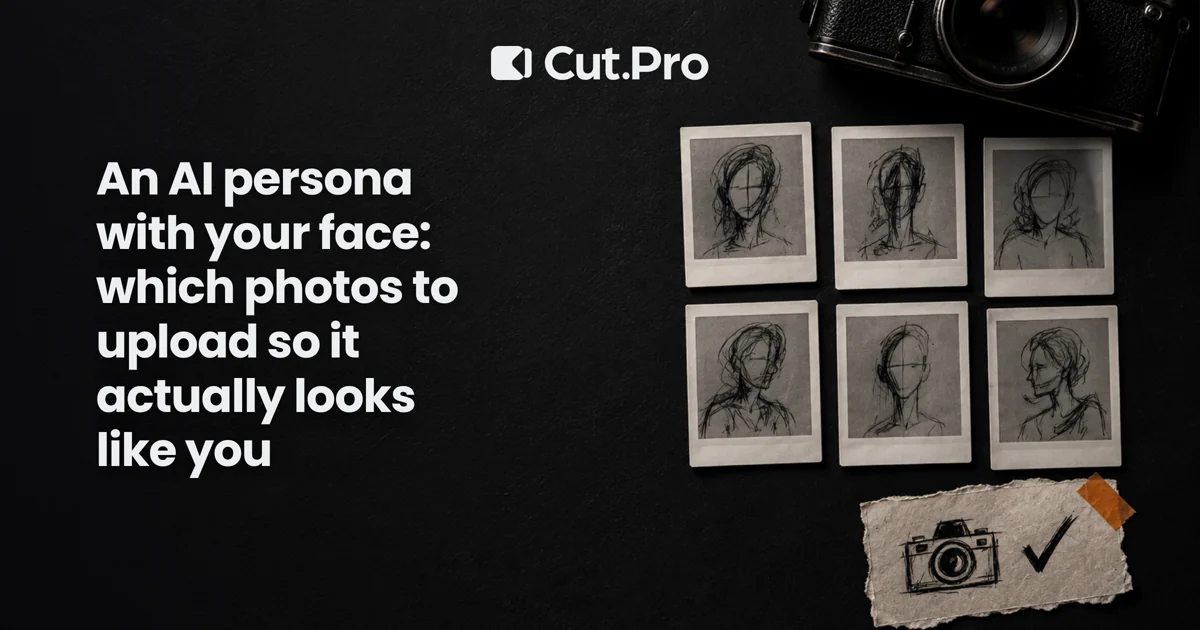
Six photos I would upload
If I were building mine today, it would be these:
- Straight on, looking at the camera, neutral expression, near a window.
- Straight on, a slight smile.
- Turned slightly to the right.
- Turned slightly to the left.
- Close up, mid-speech (a frame from a selfie video works if it is sharp).
- A wider shot from the chest up, so body and clothes show as a reference.
None with sunglasses, none with filters, all from the same year.
What if I only upload one photo?
It works, and the screen says so: one good photo is enough. The catch is that with a single photo the AI fills in what it has not seen. It has never seen your profile, so it invents a plausible one. It might look like you, or it might be someone else's profile.
If you plan to use the persona in a video with the face tightly framed, like a close-camera podcast clip, upload all six.
The result is close but not you: now what?
You have two moves, and both are cheap in time.
Adjust with one sentence. Under the persona's photo there is a one-line adjustment field, for things like "more freckles" or "thicker eyebrows". It fixes a detail without redoing everything. For something big, like the shape of the face, go back to the photos: the problem is usually there, not in the sentence.
Generate a new version. Every new image becomes a numbered version of the persona (V1, V2, V3), and earlier ones stay in a strip under the picture. One click takes you back to any of them, at no cost. Videos you already made with an older version do not change.
This changes how you test. Instead of getting it right the first time, you generate, compare with a photo of yourself, adjust one thing and compare again. I have no magic number of attempts. If it does not converge, the likeliest explanation is a bad photo: remove the worst one, add another and generate again.
Where this fits in your clipping workflow
A persona is for when you have a good video but do not want to, or cannot, appear in it as it is. One example: a first-person recording with your voice and your setting, where you want your face in a scene you were not in. Another: a creator who wants to reuse a video with the same scene and a different look.
On Cut.Pro the path is: Studio, AI Personas, "Import my face", upload the photos, choose and generate. Once the persona is ready you upload the video, tap the person to be replaced with the video paused (or use "Whoever is filming" when the camera is first-person) and compare it with the original before using it. The video can be up to 30 seconds. The result is a generated video: you can use it in a clip, but it is still an AI-made image.
For when a synthetic version of yourself is worth using, and how audiences react, the discussion is in digital clones on Shorts. On the "made by a machine" feeling and how to avoid it, it is explained in AI slop and authenticity on YouTube.
Privacy: which photos can you upload?
Only your own, or those of someone who agreed. On Cut.Pro, before you pick the photos, a confirmation appears: the photos are of you and you are 18 or older. Photos of other people are not allowed.
That is not a legal footnote to skip. Using someone's face without permission to build a version that looks like them is the kind of use that hurts real people. If a friend, partner or guest wants a persona, they upload their own photos, on their own account, knowing what they are doing. And children's faces are not even on the table: the care around minors has its own discussion in kids in clips and Brazil's ECA Digital.
What I would do today
Pick six recent, sharp photos with no sunglasses and no filters, with different expressions. Leave "As in photo" on everything, generate, compare with yourself and only then change one item at a time. If something is missing, adjust with one sentence; if a lot is missing, swap the worst photo and generate another version.
And once the persona looks right, what makes the video work is what always did: a strong start, with hooks in the first seconds, and a cover that invites the click. The persona solves the face. It does not solve the script. If you are still building the rest of the workflow, the overview of AI clipping tools helps you see where each piece fits.