AI personas in Cut.Pro: what they are and 4 ways to create yours
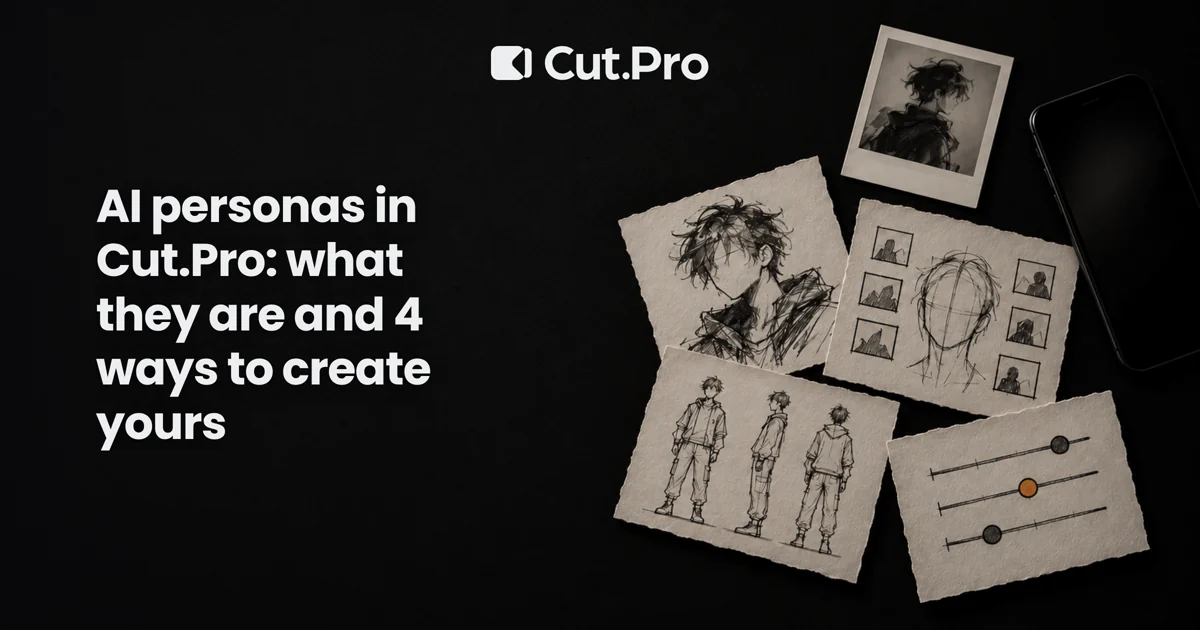
A persona is a virtual person who takes the place of whoever appears in your video. In Cut.Pro you can create one four ways: a ready-made character, your own face, an influencer sheet, or from scratch. Here is what each one gives you and which I would pick.
AI personas in Cut.Pro: what they are and 4 ways to create yours
In Cut.Pro, a persona is a virtual person you create once and reuse as often as you like: you upload a video and the persona takes the place of whoever appears in it. You can create one four ways: pick a ready-made character (free, one click), import your own face with up to 6 photos, import the sheet of an influencer or character you already have, or build one from scratch by choosing traits.
I work on the technical side of the product, so I have watched a lot of people stall on the first screen because they were not sure which path to take. Here is what each one gives you, what it does not, and where I would start.
What is a persona, in practice?
It is a character saved to your account, with a face, hair, outfit and style already set. You never write a technical description: you choose, look, and adjust.
The most common use goes like this: you have a video, someone appears in it, and you want a different person (the persona) in their place. In the studio you tap the person to be swapped while the video is paused, or you use "Who is filming" when the video is first-person and the person barely shows up. Afterwards you can compare the result with the original, either by dragging a divider or side by side.
Videos run from 4 to 30 seconds. At the simpler quality the limit is lower, and the highest quality reaches 30. This is not for swapping the face in a three-hour livestream, and I will not pitch it as if it were.
Two things the product handles for you that matter when you decide: the credit price of each photo and each video is shown before you generate, and if a generation fails the credits come back on their own. I will not quote amounts here because they change, but you never pay blind.
The 4 ways to create a persona
| Path | What you need | When it makes sense |
|---|---|---|
| Ready-made character | Nothing | Quick test, faceless channel, staying away from your own face |
| My face | Up to 6 photos of you | Appearing in videos without filming again |
| My sheet | The image of your influencer or character sheet | You already have an AI character and want it on video |
| From scratch | Just pick traits | Creating a new character with its own identity |
1. Ready-made character: the one-click path
The gallery has dozens of characters, including creators and cartoon versions. You pick one and it becomes a persona at no cost and with no photos.
This is the path I recommend if you have never used the tool. The reason is simple: you see the whole flow (upload a video, choose who gets swapped, compare with the original) without investing anything first. If the flow does not suit your kind of content, you find out in ten minutes, not after building a character from scratch.
The catch: gallery characters are available to everyone, so other people may use the same one. For a channel that needs its own identity, that is a limit.
2. Import my face: up to 6 photos
You upload up to 6 photos of yourself and the persona comes out looking like you. Give it variety: straight on, slightly turned, good light, no sunglasses or filters. Six near-identical photos do less than four that are clearly different.
When I would use it: a creator who wants to appear in more videos than they can record, or who needs a version of themselves in a setting that would be expensive or tedious to film. Your face, skin, eyes and hair come from your photos. What is left to choose is styling: body, facial hair, outfit and accessories, and you can keep all of it as the photos show.
The catch, and I will keep repeating it: it is an AI approximation. It looks like you, but it is not guaranteed to hold up at every angle and in every movement. Compare with the original before publishing. And use only your own face, never someone else's without permission.
3. Import my sheet
Many people who run virtual influencers already have a character "sheet": one image with the face from the front and side, the body, the outfit. You upload that image and it becomes a ready persona.
This path exists for people who already did the work of designing the character and do not want to redo it. If you have an AI influencer with a defined look, this is how you bring her into video without starting over. If you have no sheet, skip this one.
4. Create from scratch by choosing traits
You choose type, age, background, skin tone, eyes, hair, facial hair, outfit, style, accessories and marks (freckles, tattoo, piercing, braces), and every option comes with an example photo. No writing a description and hoping.
The upside is exclusivity: the character is yours and nobody else has it. The downside is that it is the path with the most decisions, and it is easy to overdo. My advice, after seeing a lot of tests: build a character with only a few distinctive marks. Every extra trait is one more thing that has to stay the same from video to video.
Which one should you pick?
- Never used it: ready-made character. No risk, no learning cost.
- Want to appear without filming: your face. It is the only one that is you.
- Already have an AI character: the sheet.
- Want a new identity that is only yours: from scratch.
You can keep several personas in one account, so none of this is a final choice. I would start with a ready-made one, and only after seeing the flow work with your content invest in your face or a from-scratch character.
More than one person in the same scene: Collab
If the video has two or three people, the Collab type puts up to 3 personas in the same scene. You tap each person in the video and choose which of your personas takes their place. Videos go up to 15 seconds. If you do not have another persona ready, a shortcut lets you create one on the spot.
What the flow looks like in Cut.Pro
Open Cut.Pro, go to Studio → AI Personas, create or pick a persona, upload the video, tap the person to be swapped and check the price before generating. When it finishes, compare with the original and only then use it. If the result is not good, you adjust and generate again; if the generation fails, the credits come back.
A realistic example: a 12-second clip of you explaining a tip, shot at home. You want a version with a cartoon character for a second channel. You grab a ready-made character, swap the person in the video, compare, publish. No reshoot.
What a persona does not solve
It does not replace having something to say. If the script is weak, a good-looking character just makes the weakness better produced. Also keep in mind that platforms may ask for an AI-generated content label, and the authenticity conversation is getting louder, as I argued in digital clones on Shorts. How platforms treat human-made content is explained in provenance of human content on Instagram. Read both before betting a whole channel on a character.
And if your material is livestreams, podcasts or long videos, the natural path is still clipping the real content, as I show in the AI clipping tool guide. A persona complements that; it does not replace it.
After you generate, the work is distribution: title, description and frequency. Two posts help there, Shorts and TikTok SEO and how many clips to post per day. For an overview of short-video tools, see also AI short video tools.
Where to start
Open AI Personas, grab a ready-made character and run a video of a few seconds. Look at the result next to the original. If you like it, that is when it is worth sending your photos or building a character of your own. Four paths sounds like a lot, but in practice you only decide on the second after trying the first.