Best AI Clipping Tool for Twitch and Kick Streamers in 2026
Most AI clipping tools don't really support Twitch or Kick. See which one actually works for Brazilian streamers: native integration, live clipping and accurate PT-BR captions.
Best AI Clipping Tool for Twitch and Kick Streamers in 2026
If you stream on Twitch or Kick, you already know the problem: the stream is over, you've got 3 hours of recorded content, and turning that into clips for TikTok, Reels and Shorts manually will eat up a whole afternoon, at minimum. AI clipping tools exist precisely to solve this. But here's the bad news: most of them don't really support Twitch or Kick.
We researched all the main AI clipping tools available in 2026 and checked which ones actually integrate with Twitch and Kick. The result is blunt: only one does it natively. And that's exactly what this guide is about.
Why Twitch and Kick Integration Is Different from "Upload Support"
Before getting into the tools, it's worth clarifying the difference between native integration and partial support, because many tools use ambiguous language in their marketing.
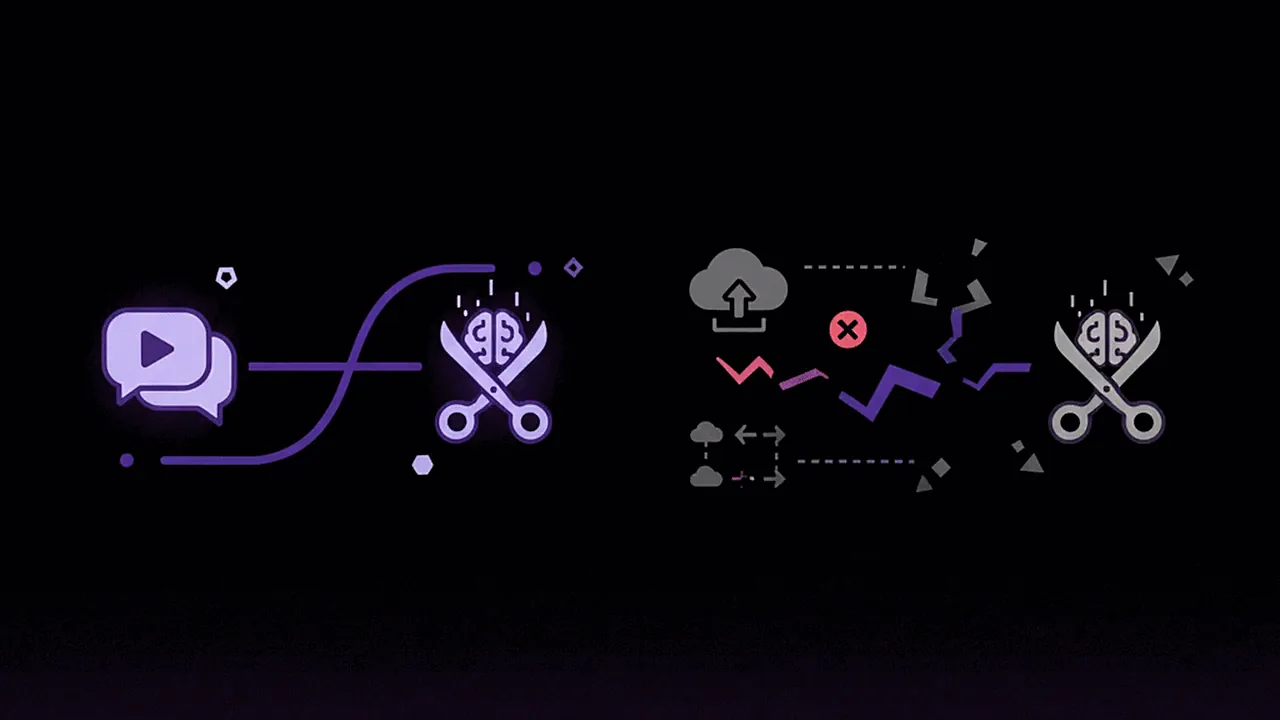
Native integration means the tool connects to your Twitch or Kick account, accesses VODs automatically, allows real-time stream monitoring and processes the content without you having to download anything.
Partial support (manual upload) means you have to download the VOD from your streaming platform, upload it to the tool, and only then does processing begin. Extra steps, extra time, and sometimes format or file-size problems.
For a streamer who does 4 streams a week, the difference between these two workflows is hours per week wasted on logistics alone.
What to Evaluate in a Clipping Tool for Streamers
We defined five specific criteria for evaluating clipping tools in the context of streams:
- Twitch and Kick integration: a direct connection to the platforms, with no manual download
- Live clipping: the ability to identify and generate clips while the stream is still happening
- VOD processing speed: how long it takes to process 3 hours of stream
- PT-BR accuracy: caption quality and moment detection in Portuguese
- Cost for the Brazilian market: price in reais, with no exchange rate or IOF
Comparison: Clipping Tools and Twitch/Kick Support
| Tool | Native Twitch | Native Kick | Live Clipping | PT-BR | Price |
|---|---|---|---|---|---|
| Cut.Pro | ✅ | ✅ | ✅ | high | Free to R$119.90 |
The table above describes Cut.Pro only. Other tools change features and pricing frequently. To compare, check each tool's own site for what it offers today.
The table speaks for itself. Only Cut.Pro has native integration with Twitch and Kick. Only Cut.Pro offers live clipping. And for the Brazilian market, only Cut.Pro combines that with accurate PT-BR transcription and billing in reais.
Cut.Pro: The Clipping Tool Built for Brazilian Streamers
Site: cut.pro | Price: Free / R$19.90 / R$69.90 / R$119.90 per month

Cut.Pro was developed with the Brazilian streamer as its central user, not as a secondary market for an American tool. That shows in every detail of the product: from the direct Twitch and Kick integration to the language model trained on Brazilian streams.
How the workflow works for streamers:
During the stream: Cut.Pro monitors your stream in real time and identifies moments with high viral potential: spikes in interaction, funny moments, impressive plays, strong reactions. These moments are marked automatically while the stream is happening, without you having to do anything.
After the stream: As soon as the VOD is available, Cut.Pro processes it automatically. A 3-hour stream is analyzed and the clips are ready in roughly 10 to 15 minutes. You open the platform and find a selection of clips prioritized by Viral Score, already with PT-BR captions, ready to publish.
Direct publishing: Without leaving Cut.Pro, you tweak the clips, pick the visual template, and publish straight to TikTok, Reels and YouTube Shorts.
Features built for streamers:
- Viral Score: an algorithm that analyzes every segment of the stream and prioritizes the moments with the most engagement potential on short-form networks
- Community templates: styles created and shared by other Brazilian streamers, from the reaction style to the gameplay highlight
- Accurate PT-BR captions: no need to review word by word before publishing
- Live clipping: no waiting for the VOD to start seeing the identified moments
- No manual download: connects to Twitch/Kick and accesses VODs straight from the source
- Billing in reais: R$19.90/month on Basic (100 credits), R$69.90/month on Plus (1,000 credits), R$119.90/month on Pro (2,500 credits)
Processing speed:
| Stream Length | Processing Time |
|---|---|
| 1 hour | ~4-5 minutes |
| 2 hours | ~7-10 minutes |
| 3 hours | ~10-15 minutes |
| 5 hours | ~18-25 minutes |
Why the Other Tools Don't Work for Streamers
OpusClip: manual upload, limited PT-BR accuracy
OpusClip is the most popular global tool, but for Brazilian streamers it has two serious problems: no Twitch or Kick integration (manual upload required), and a higher WER in PT-BR. For anyone doing 4 streams a week, downloading VODs manually and reviewing captions every week is unfeasible.
Klap and Spikes Studio: no Twitch/Kick, billed in dollars
Both have a good product for YouTube, but neither integrates with streaming platforms. And they bill in dollars, which, with a 6.38% IOF, can mean a cost 40-60% higher than the list price.
Kapwing: focused on editing, not stream clipping
Kapwing is a full editing suite, not a clipping tool for streamers. No Twitch or Kick integration, no live clipping, and a focus on collaborative manual editing: it's not the right tool for a streamer's production workflow.
Practical Workflow: How to Turn a Stream into Content for Social
For streamers who want to maximize the use of every stream, this is the recommended workflow with Cut.Pro:
Before the stream:
- Set up the Twitch or Kick integration in your Cut.Pro account (done once)
- Choose the default visual template for your clips (you can switch per clip)
During the stream:
- Cut.Pro monitors in real time: you don't have to do anything
- Great plays, funny moments, hype drops: everything is marked automatically
Right after the stream (10 to 15 min of processing):
- Open Cut.Pro and see the clips prioritized by Viral Score
- Quickly review the top 5 suggested clips
- Adjust the in/out points if needed (drag the handles)
- Check the PT-BR captions (accurate transcription, usually nothing to fix)
- Choose the visual template and publish straight to TikTok, Reels and Shorts
Expected result per 3-hour stream:
- 8 to 15 clips identified by the algorithm
- Top 3 to 5 clips with a high Viral Score ready to publish immediately
- Total manual work time: 15 to 20 minutes
How Much Is the Time Saved Worth?
To picture the real return of Cut.Pro for a streamer, consider:
Without a clipping tool:
- 4 streams of 3h per week = 12h of raw content
- Selecting and cutting manually: ~15 min per hour of stream = 9h per week
- Adding captions manually: another 2 to 3h per week
- Total: 11 to 12h per week just on clip editing
With Cut.Pro:
- Automatic processing: ~10 to 15 min per stream = 40 to 60 min per week
- Reviewing and adjusting the clips: ~20 min per week
- Total: ~1h per week on clip editing
- Savings: 10 to 11h per week
One allowance detail: each Cut.Pro credit is 1 minute of analyzed video, so 12 hours of streaming a week adds up to more than 3,000 minutes a month, well above the 1,000 credits on Plus. At that volume you either process only your strongest streams or move up a plan; the pricing page shows each allowance. Even so, with 10 hours a week back, the math favors the plan.
Conclusion: There's Only One Choice for Twitch and Kick Streamers
The AI clipping market has dozens of tools, and several support Twitch and Kick: Eklipse and StreamLadder were built for that niche. For a Brazilian streamer, what Cut.Pro brings together is:
- Native Twitch and Kick integration (no manual download)
- Live clipping during the stream
- accurate PT-BR transcription
- Plans in reais, with no exchange rate or IOF
- Processing 3h of stream in 10 to 15 minutes
For the full streamer workflow, Cut.Pro has no competitor.
Ready to stop wasting hours on manual editing? Create your free Cut.Pro account and see how a stretch of your next VOD turns into ready clips in under 15 minutes.
Frequently Asked Questions
Which AI clipping tool works with Twitch?
Cut.Pro connects directly to your Twitch account, processes full VODs automatically and clips the stream while it is still live. Other tools also import from Twitch (Eklipse, StreamLadder and OpusClip among them) with different features and plans; check each site for what it covers today.
Does Cut.Pro work with Kick?
Yes. Cut.Pro has native integration with Kick, just like with Twitch. You connect your Kick account to Cut.Pro and can process VODs directly from the platform, without manually downloading the video. It's the only AI clipping tool that natively supports Kick in 2026.
How long does it take to process a 3-hour stream on Cut.Pro?
A 3-hour stream on Cut.Pro is processed in roughly 10 to 15 minutes. That includes full PT-BR transcription, identifying the moments with the highest viral potential (Viral Score) and generating clips ready to publish on TikTok, Reels and Shorts. The process is automatic: you don't have to do anything while the stream is analyzed.
Is it worth investing in automatic clipping as a streamer?
Absolutely. A streamer who does 4 streams a week of 3 hours each has 12 hours of raw content per week. Processing all of it manually would be unfeasible without a dedicated team. With Cut.Pro, those 12 hours turn into dozens of clips ready for TikTok, Reels and Shorts in under an hour of total processing, freeing up time for the streamer to focus on what really matters: the stream itself.