Shorts now go up to 3 minutes: your clipping has to change
YouTube doubled the Shorts limit to 3 minutes and changed the bar for what counts as a vertical video. That completely changes how you should be cutting your live stream.
Shorts now go up to 3 minutes: your clipping has to change
If you're still cutting your live stream into 45-second pieces, bad news: YouTube no longer wants that.
The update came out a few weeks ago and slipped under the radar for a lot of people, but it's big. Any vertical or square video up to 3 minutes now counts as a Short. It's not 60 seconds anymore. It's not 90. It's 180.
And most important: the Shorts feed started pushing these longer videos up. The algorithm is testing, and what's working is content that breathes a little, that has context, that lets the joke land before cutting.
What changes in practice for clippers
For a long time the rule was the same: open, hook in the first 2 seconds, straight to the point, out by 50. Anything longer than that lost retention and sank in the feed.
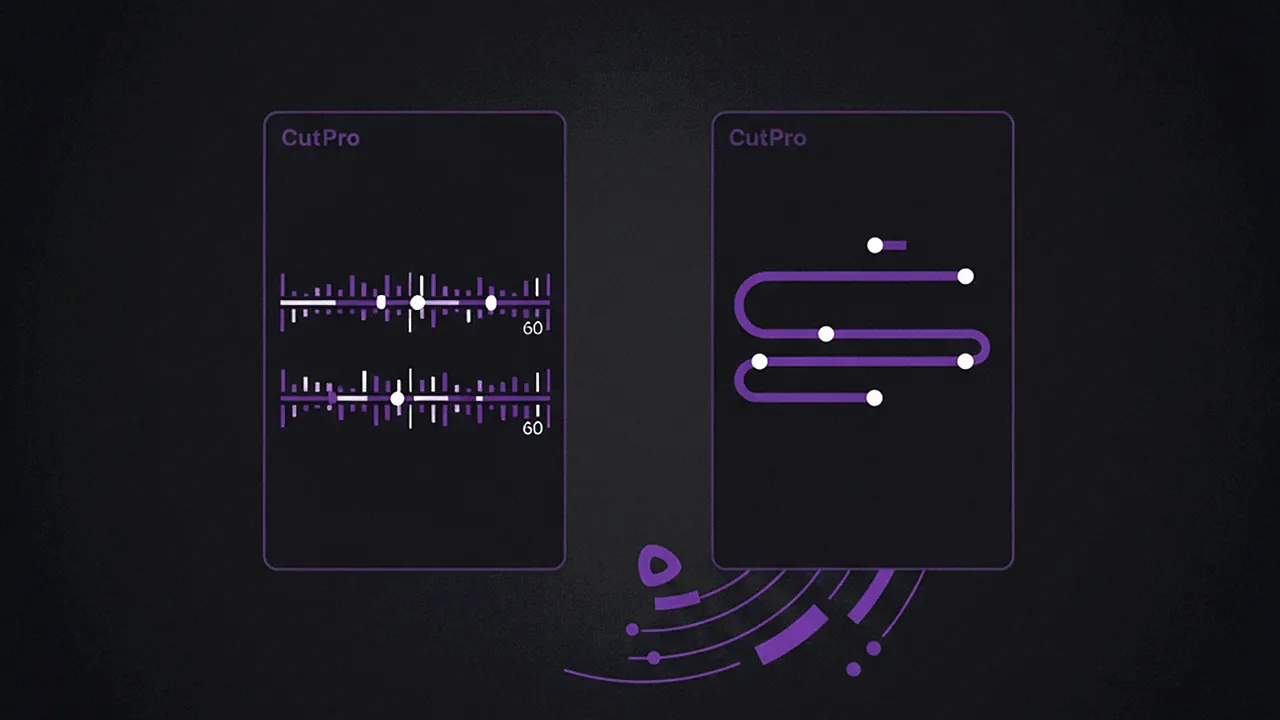
But that logic was born from a technical limitation of Shorts, not a law of nature. Now that the limit is 3 minutes, you can do something TikTok has done for a long time: bring the whole moment, with setup, reaction, and payoff.
Think about the classic live-stream clip that always crushed it: the streamer reacting to an absurd headline, the podcast where the guest tells a story with a twist, the vlog where the guy explains a scam. All of that was being amputated to fit into 60 seconds. Not anymore.
Why 3 minutes works better than 60s in some situations
Quick test: open YouTube Shorts right now and pay attention to how many videos you finished watching were longer than a minute. Probably most of them. The eye has gotten used to it.

Three things happen when the clip is longer:
First, absolute retention goes up. A 2-minute clip with 80% retention is worth more to the algorithm than a 45-second one with 95%, because the total watch time is higher.
Second, you can build structure. Hook, setup, payoff. What in a short video becomes a shallow meme, in a longer video becomes a story.
Third, and this is specific to non-English content, languages like Portuguese often need more words to convey the same idea than English does. A moment that fits into 40 seconds in English takes 60 in Portuguese. With the old limit, it was tight. Now it isn't.
How to adapt your clipping workflow
If you use Cut.Pro, the good news is the adjustment is simple. In the cutting panel, the default target duration stops being "30 to 60 seconds" and becomes a wider range, between 60 seconds and 3 minutes. The Viral Score still prioritizes moments with high potential, but it stops penalizing clips that need more time to work.

The practical rule that's working well with creators:
For a podcast live stream (2 to 4 hours), the ideal clip is now between 90 seconds and 2 minutes. A complete story, reaction included, without losing the ending.
For a Twitch or Kick live stream (gameplay, reaction, just chatting), the clip that goes to Shorts can be shorter, 60 to 90 seconds, because the moment is more visual. But if you've got a bit that needs setup, use the 3 minutes.
For a recorded vlog or tutorial, 2 to 3 minutes became the sweet spot. A whole tip fits, not just the highlight.
Where the short clip still wins
It's not a universal rule. A meme still works at 20 seconds, a quick funny reaction still pops at 30. The point is to stop forcing every type of content into the same mold. Cut by the natural rhythm of the moment, not by the stopwatch.
What Cut.Pro does differently here is find the organic cut point. Instead of cutting at second 60 flat, it looks for a natural pause, a shift in tone, the end of a sentence. With the new Shorts limit, that got even more important, because now you have room to respect the rhythm of your content without penalty.
If you're still publishing Shorts on the old bar, it's worth running a live stream from this weekend through Cut.Pro with the new target and seeing the difference in retention. It's the kind of adjustment that takes an afternoon and already shows up in the following week's metrics.