AI persona Collab: up to 3 characters in one video, and 5 formats for TikTok and Shorts
Cut.Pro's Collab puts up to 3 AI personas in the same scene: you tap each person in the video and pick which of your personas takes their place. Here are five formats that fit in 15 seconds, and what I'd do so they don't die in the first few seconds.
AI persona Collab: up to 3 characters in one video, and 5 formats for TikTok and Shorts
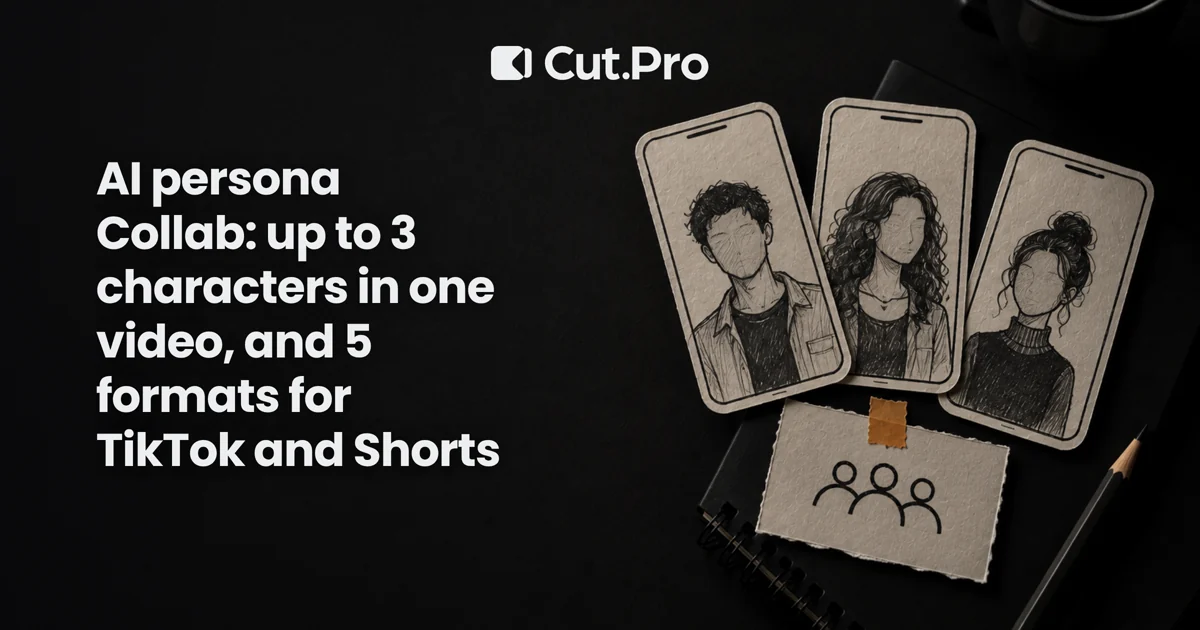
Collab, inside AI Personas in Cut.Pro, puts up to 3 personas in the same scene: you tap each person in the video and pick which of your personas takes their place. All three characters cost the same as one regular persona video, in videos of up to 15 seconds, and the price shows before you generate.
If you know me, you know I'm on the side of content with a human face. Still, a video with more than one character has always been expensive to make: it needs a cast, a schedule, a set. Collab removes that cost. What it doesn't remove is the need for an idea, and that's where most persona videos get lost. So this post is less "look at the feature" and more "what to shoot with it". The usual disclaimer: I work at Cut.Pro.
How Collab works in practice
You upload a video with the people who will be swapped, pause on the right frame, tap each one and pick the persona that takes their place. It's the same gesture as AI Personas, repeated per person.
Step by step, the way it appears in the studio:
- Have a base video. These are real people, filmed by you, friends or a team. The movement, framing and timing come from it.
- Choose the Collab type. Instead of a single persona, the screen asks for one per person.
- Tap each person and choose the persona. Any of yours works: one you built from scratch, one made from your photos, one from a character sheet, or a ready-made character from the gallery.
- Check the price and generate. Up to 3 personas for the same price as a regular video. If the generation fails, the credits come back on their own.
- Compare with the original. Drag the divider or view both side by side before posting.
If you don't have a second persona ready, Collab offers a shortcut to create one on the spot and come back to finish. It's available on every plan.
What Collab doesn't do
Worth reading before you plan a whole series.
- The limit is 15 seconds. For multi-character formats, Collab works on short videos. A longer scene gets solved in parts, and each part is its own video.
- It swaps people who are already in the video. It doesn't invent people you didn't film. If the scene has two actors, you get two characters, not three.
- The base video matters. Clearly visible people, decent light and a steady camera give a better result than a dark, shaky recording. Test with a throwaway video before spending credits on one that matters.
- It's not a reach guarantee. A persona is not a hook. What decides whether the video survives the first seconds is what happens in it.
Five formats that fit in 15 seconds
My rule for picking a format: it has to work without sound in the first second and have a turn before second 15. All of these do.
1. Character duet
Two personas arguing about a niche hot take, like "streamers who play on easy mode: acceptable or not". Two people film the scene (a kitchen-counter argument works), and each becomes a different character.
What I like: the conflict is the hook. What I watch for: the opinion has to be real, or the video turns into noise.
2. Interview
One persona asks, another answers, and the third interrupts. It works well with questions your audience already asks in the comments: take one, frame it as an interview question and answer in 10 seconds.
Format tip: the first question appears as on-screen text at second zero. Captions are part of the hook here, and my take on that is in caption style and clip retention.
3. Reaction
One persona watches, the other reacts. In a reaction format the face is half the information, so put effort into the expression of the person you film: Collab keeps the expression and head position of whoever was swapped.
The catch: reacting to other people's content runs into image and audio rights. React to your own content, or to what you have permission to use.
4. Sketch
Three characters, one exaggerated everyday situation: the meeting that could have been a message, the family group chat, Monday's workout. Three people on screen is exactly Collab's ceiling.
This is the format that needs a script the most. A sketch without a twist is just three people talking, and viewers drop that fast.
5. Before and after
Two versions of the same scene with different personas: the same product delivery, the same workout tip, the same editing mistake and its fix. The visual contrast does the job that text would need three lines for.
For product or teaching content, it's the easiest format to tie to an action, because the "after" is already the promise.
Distribution and retention: what changes with an AI character
Changing the face doesn't change how TikTok and Shorts distribute. What rules is still the start of the video and how much of the audience stays to the end.
First seconds. Same here as anywhere: the video starts on the conflict, not the introduction. I've written about this in hooks for the first 3 seconds, and with Collab the math is even tighter: 15 seconds total.
Retention. Short videos have a free advantage: it's easy for someone to watch to the end. I'd use that by closing on a twist that makes people want to rewatch. On YouTube, retention became a payment criterion, and the change is explained in Shorts pays for retention.
Search. Title and description still carry part of the distribution, especially on TikTok, where search became a habit. That's what I wrote about in searchable clips on TikTok.
Posting rhythm. Collab suits series well: the same trio of characters across episodes builds recognition. How much to post a day is covered in how many clips to post per day.
Labeling, permission and being honest with viewers
A persona video is AI-generated or AI-altered content, and platforms have rules and disclosure tools for that. The rules change often, so, according to each platform's current policy, check the labeling option before posting and use it where it applies. It's also worth reading how Instagram treats content provenance.
Two rules of mine that don't depend on any platform:
- Get permission from the people in the base video. The persona replaces the face, but the scene and body belong to a real person.
- Don't make a persona look like a real person who didn't agree to it. A persona is a character. If it resembles a specific someone, don't publish it.
For anyone wondering whether this replaces filming yourself, our CTO's take is in digital clones on Shorts: it doesn't replace it, it complements it.
Where to start
Here's what I'd do in one afternoon:
- Pick one of the five formats. I'd start with the interview, the easiest to script.
- Film two or three people in a video of up to 15 seconds, with good light and a still camera.
- Open Cut.Pro, go to Studio, AI Personas, choose Collab, tap each person and pick the personas.
- Compare with the original, post, and watch retention in the first 3 seconds.
- Only after a decent result, plan a series.
If the first try doesn't get past 200 views, the likeliest explanation isn't the persona but the start of the video. Fix the hook before generating again.
Collab is a tool for staging scenes with more people without gathering more people. It works best in the hands of someone who already has a clear idea of what to show.